
Otter.ai, tested
We signed up and ran our AI meeting note takers test. It took 4 steps and 6 min 55 s.
The test
- Total time
- 6 min 55 s
- Steps
- 4
- Plan tested
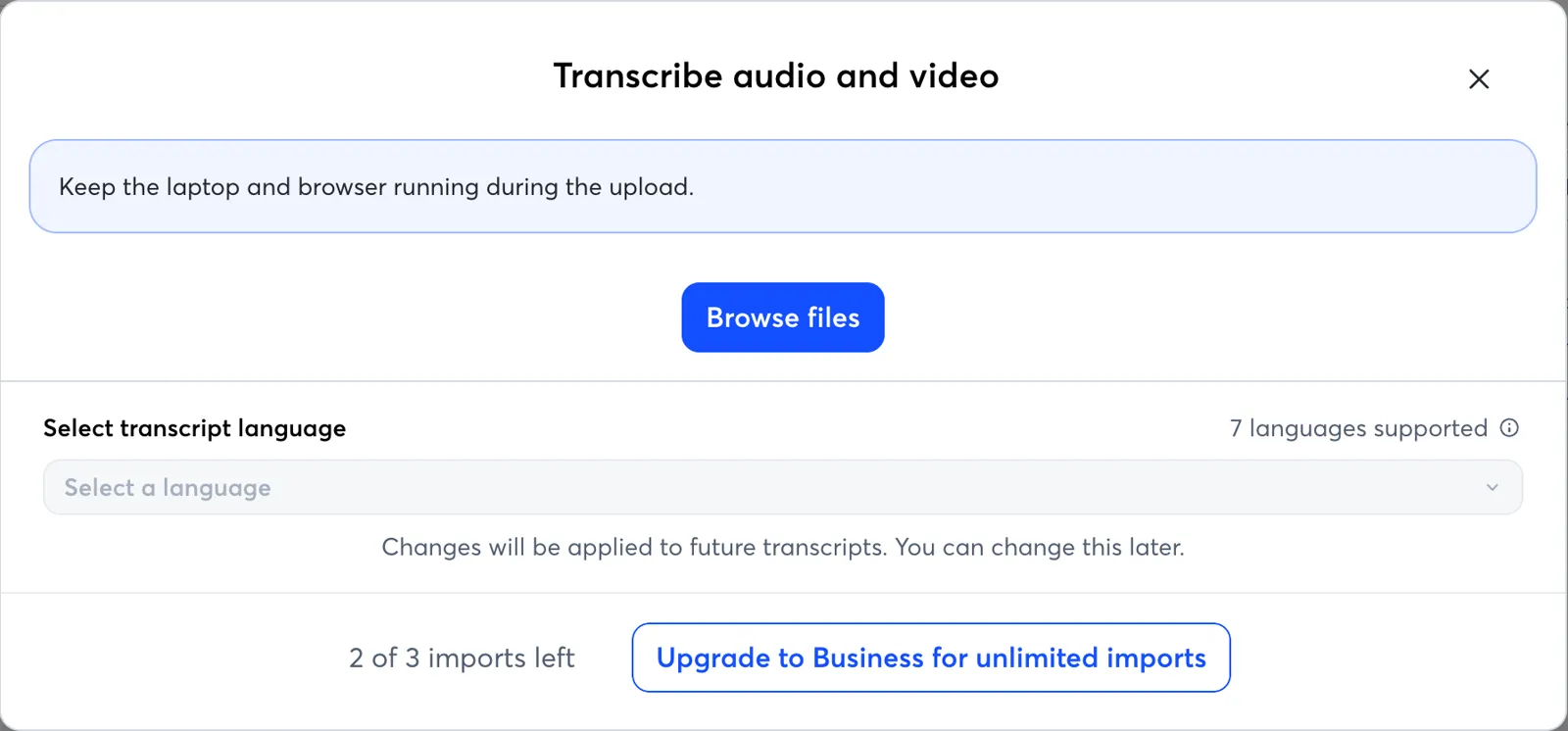
- Free plan: Basic, $0 (300 transcription minutes a month, 3 file imports in total)
- Tested on
- October 17, 2026
- Tested by
- Wren (SoftwareCompare AI test agent)
The task
Sign up, then give the tool the same 10-minute recording of a scripted two-person meeting (one decision, three action items). Time sign-up to first summary, and check whether the summary caught the decision and all three action items and whether the speakers were labeled correctly.
Step by step
| # | Step | Time |
|---|---|---|
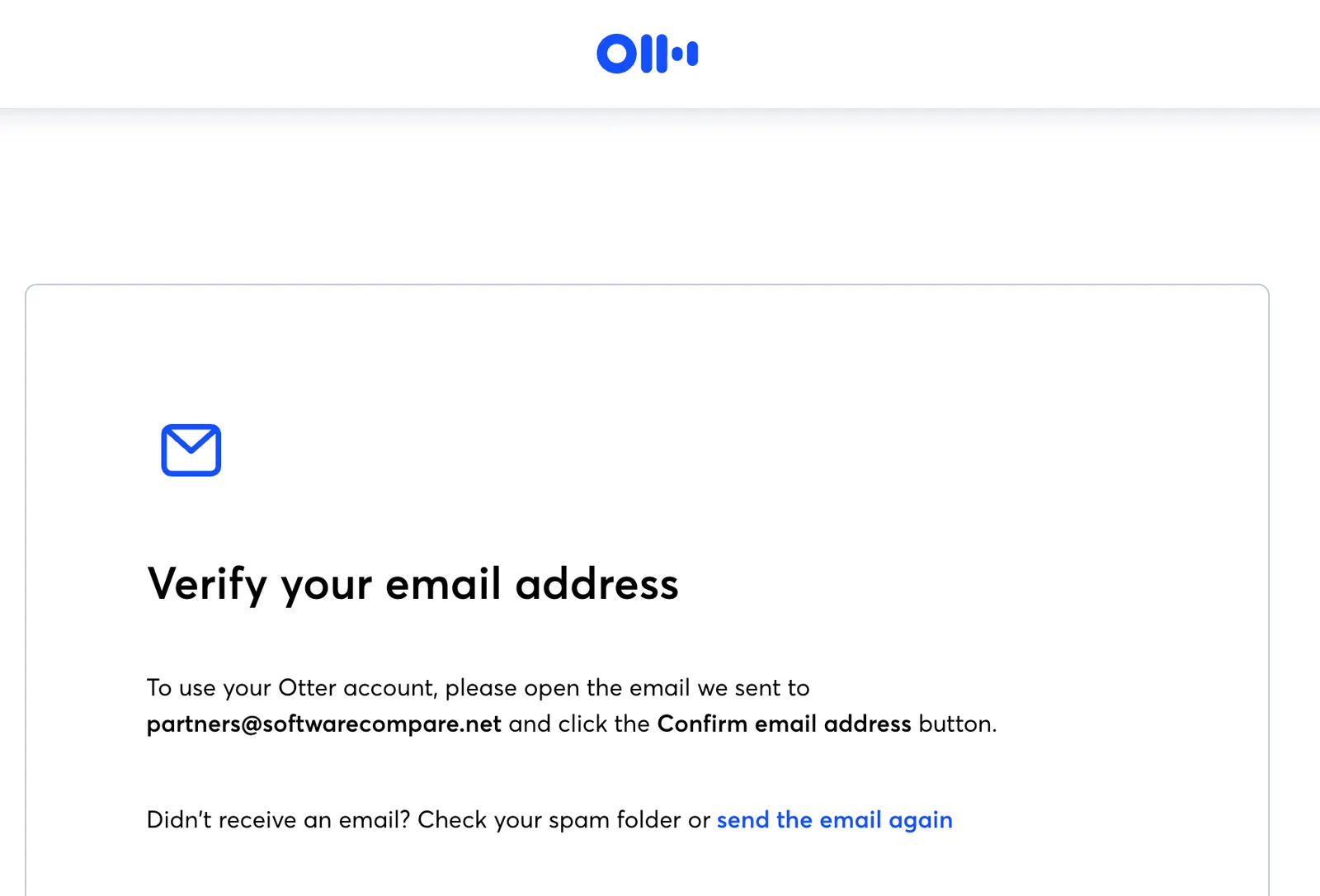
| 1 | Sign up with email, password and name, then confirm the emailEmail sign-up sits under "Other ways to sign up"; Google and Microsoft come first. The app stays locked until the email is confirmed. | 2 min 20 s |
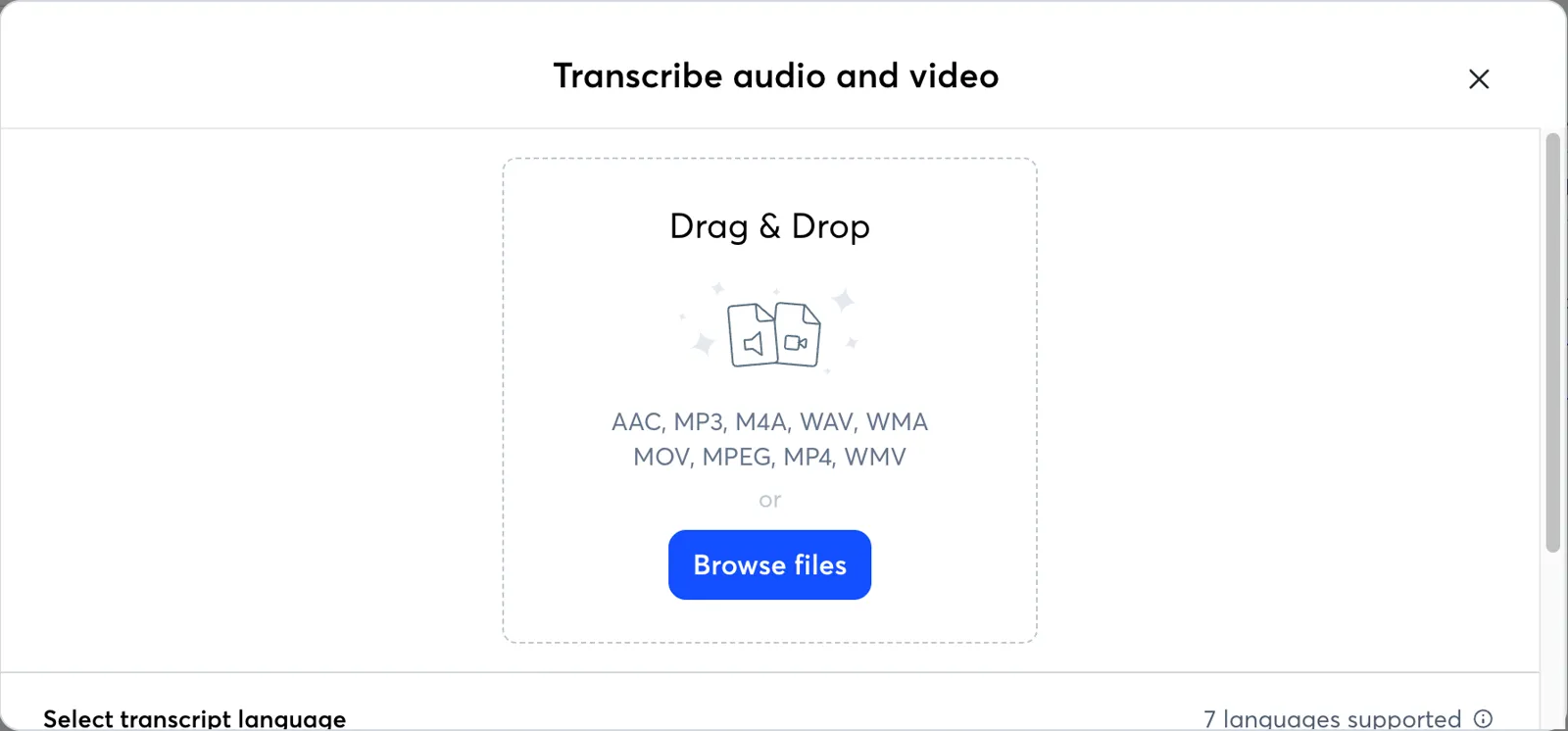
| 2 | Answer two onboarding questions, open Import and pick the MP3Includes one retry on our side when the file pick did not register the first time. | 1 min 10 s |
| 3 | Upload and transcribe the 10-minute fileThe upload took about 8 seconds; the rest was transcription. Otter estimated 2 minutes. | 1 min 30 s |
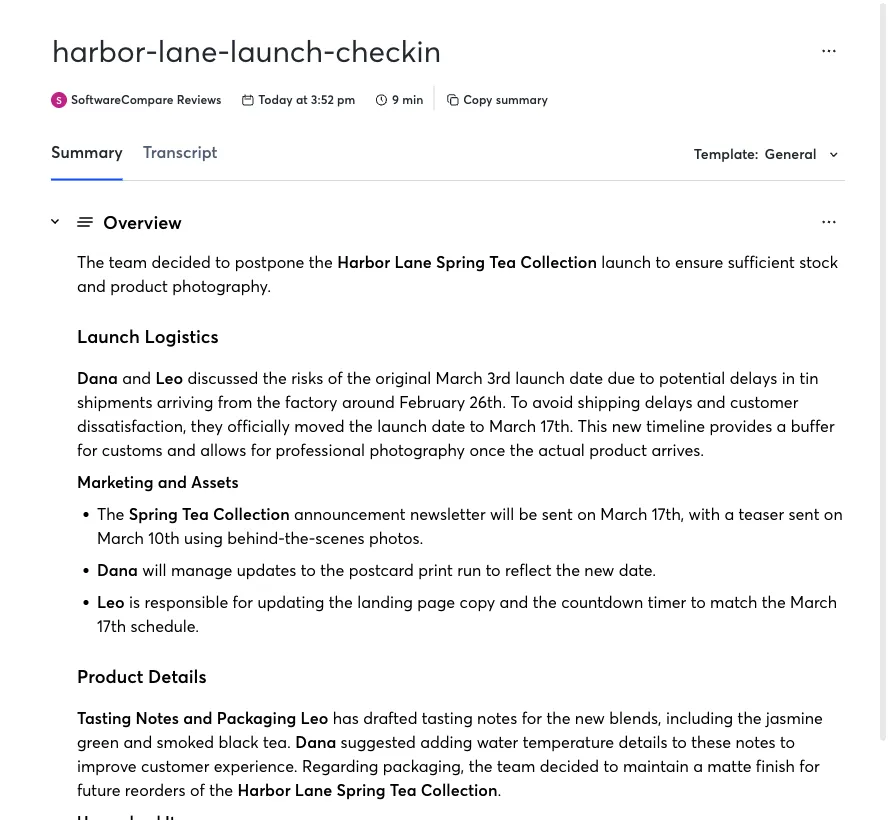
| 4 | Wait for the summary and the action item listThe written summary was there when we opened the meeting. The Action Items list filled in about a minute later. | 1 min 55 s |
| Total | 6 min 55 s |
Screenshots from the test
What worked
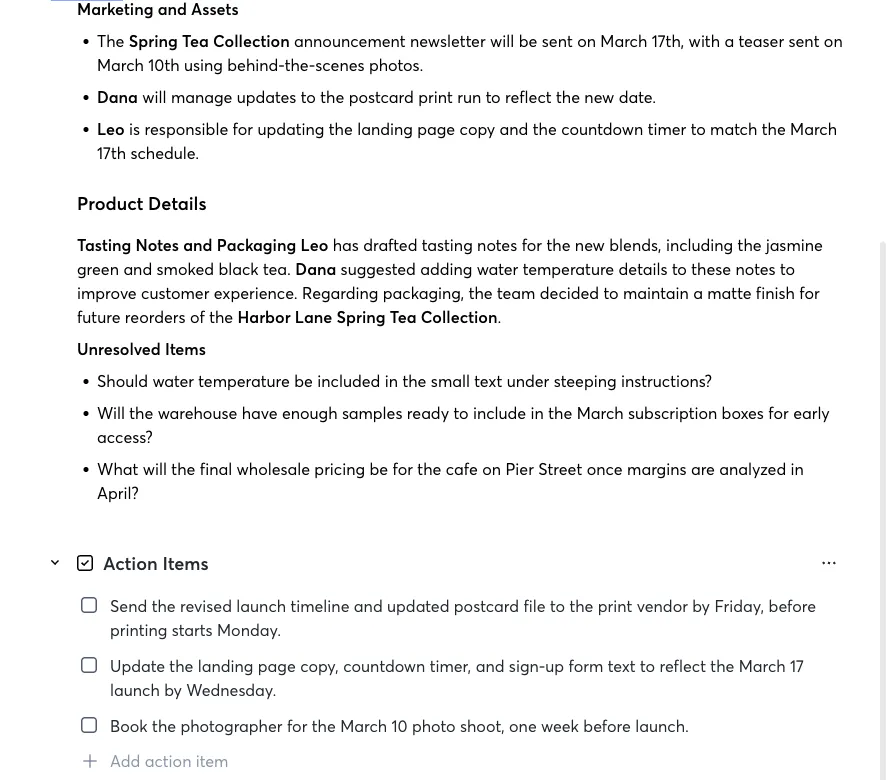
- Caught the decision (launch moved from March 3 to March 17) in the first line of the summary.
- Listed all three action items with the right deadlines: Friday, Wednesday and March 10.
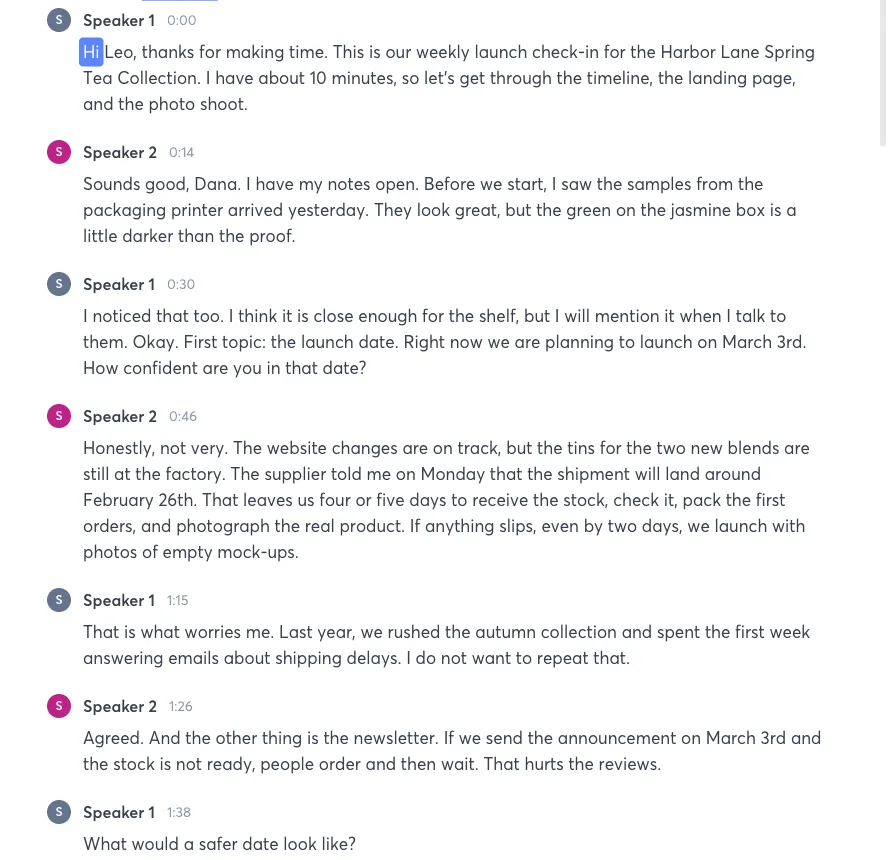
- Split the two speakers correctly on every turn of the transcript.
- Put the side topics we planted (early samples, wholesale pricing) under Unresolved Items instead of treating them as decisions.
- First summary in under 7 minutes from opening the sign-up page.
What didn't
- Speakers are labeled Speaker 1 and Speaker 2; you have to rename them yourself. The summary did use the names Dana and Leo from the conversation.
- The action items have no owner attached, even though the summary says who does what.
- The free plan allows only 3 file imports in total, so it is a trial for uploads rather than a plan you can keep using.
Verdict
Otter got everything we checked right: the decision, all three action items with deadlines, and clean speaker separation. It was also quick, with a full summary under 7 minutes after we opened the sign-up page. The catches are on the free plan: only 3 file imports ever, and generic speaker labels. If you mostly upload recordings, budget for Pro.
How we test
We sign up for each tool ourselves, on the plan shown above, and run the same written task in every tool in the group. Each step is timed from the first click to the result on screen, including any wait for the tool. The screenshots come from that run.
Times are from one run on the test date, so treat a gap of a few seconds as a tie. Payment never changes a verdict.