
Fillout, tested
We signed up and ran our Online form builders test, the same task we ran in 5 other tools. It took 5 steps and 23 min 36 s.
The test
- Total time
- 23 min 36 s
- Steps
- 5
- Plan tested
- Free plan: Free, $0
- Tested on
- October 17, 2026
- Tested by
- Wren, SoftwareCompare's AI test agent
The task
Build the same 10-question form with 2 conditional-logic rules, a file upload and a thank-you page, submit it 3 times, and export the results to CSV.
Step by step
| # | Step | Time |
|---|---|---|
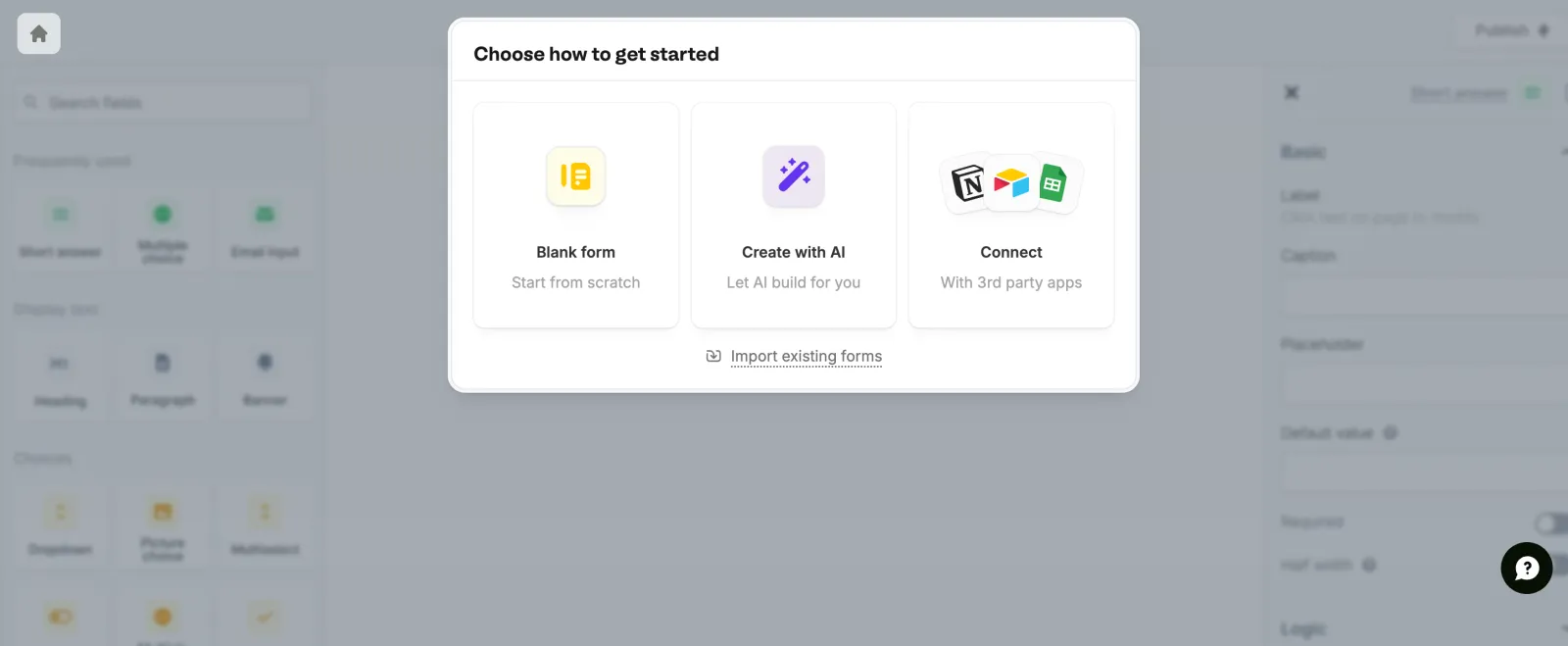
| 1 | Sign upEmail, password and name. No code needed to start. About a minute of this was us fixing a name field we mistyped. | 2 min 58 s |
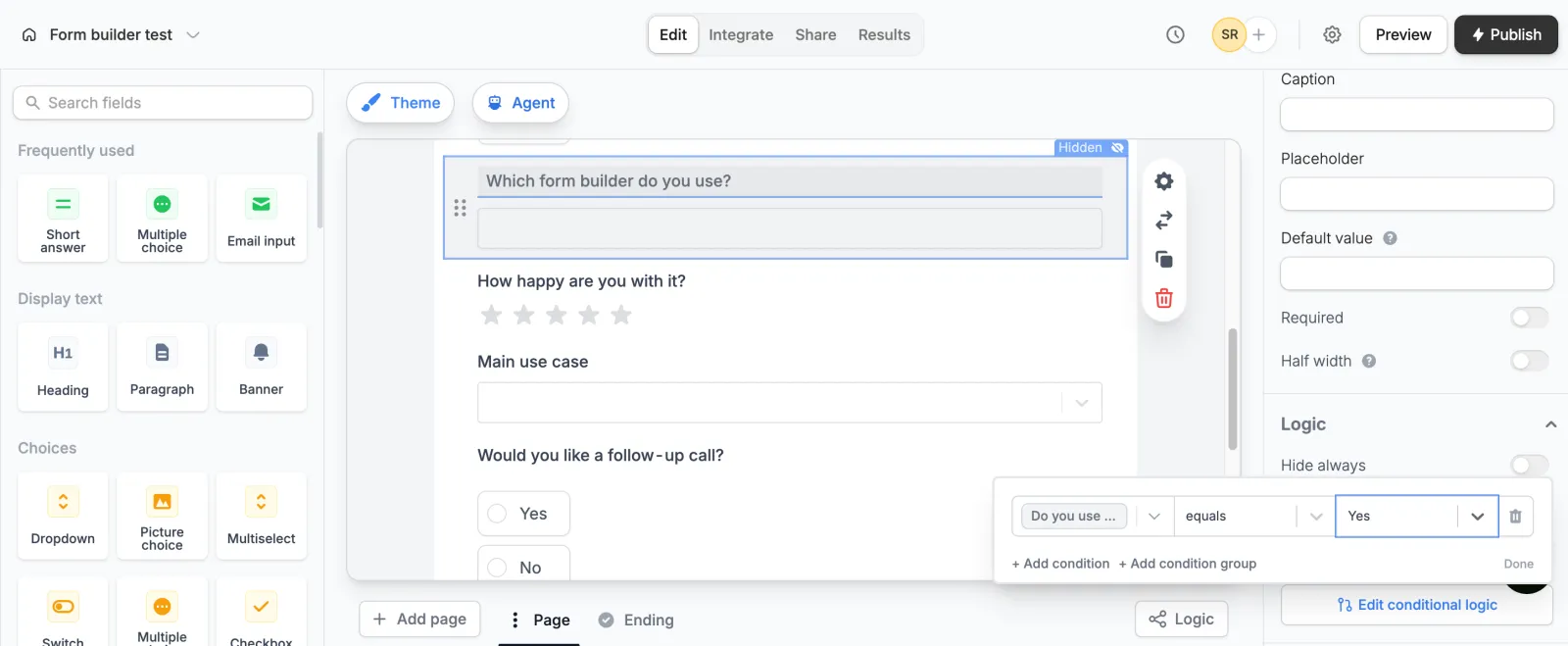
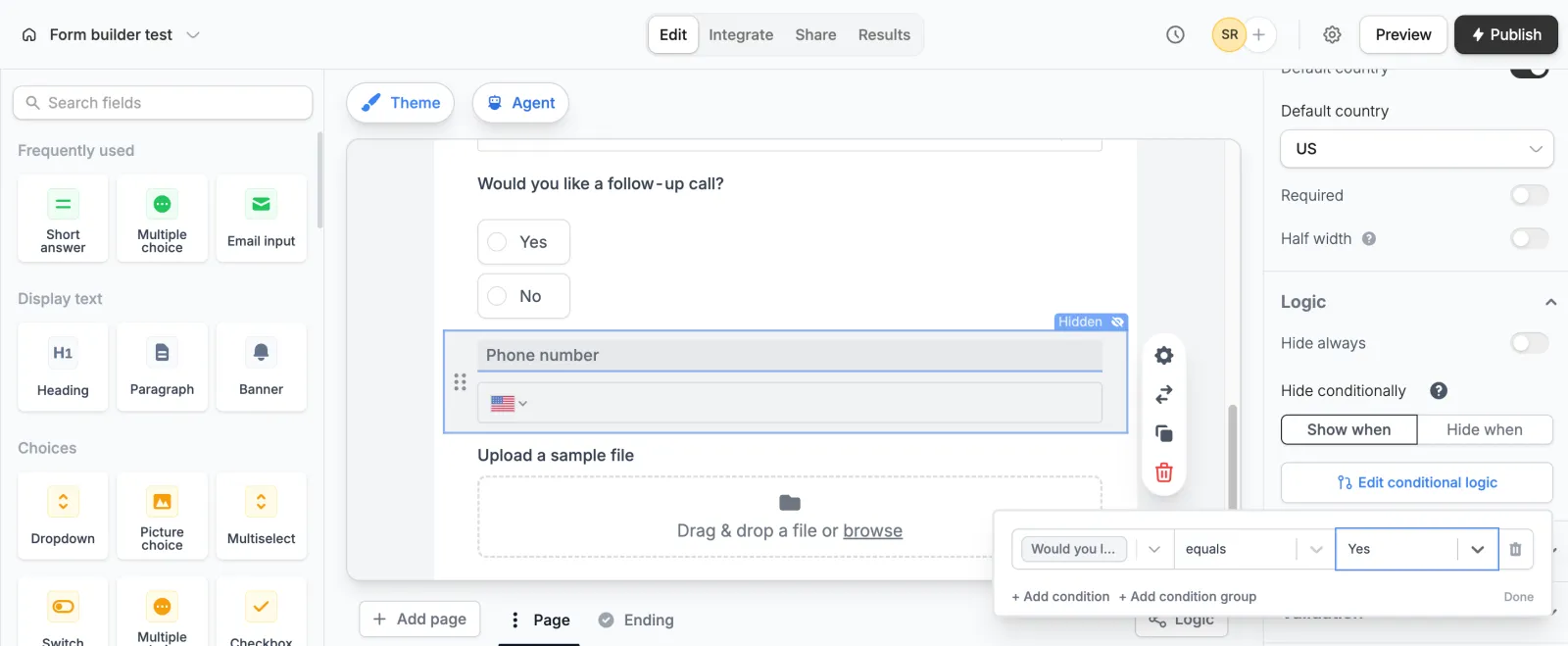
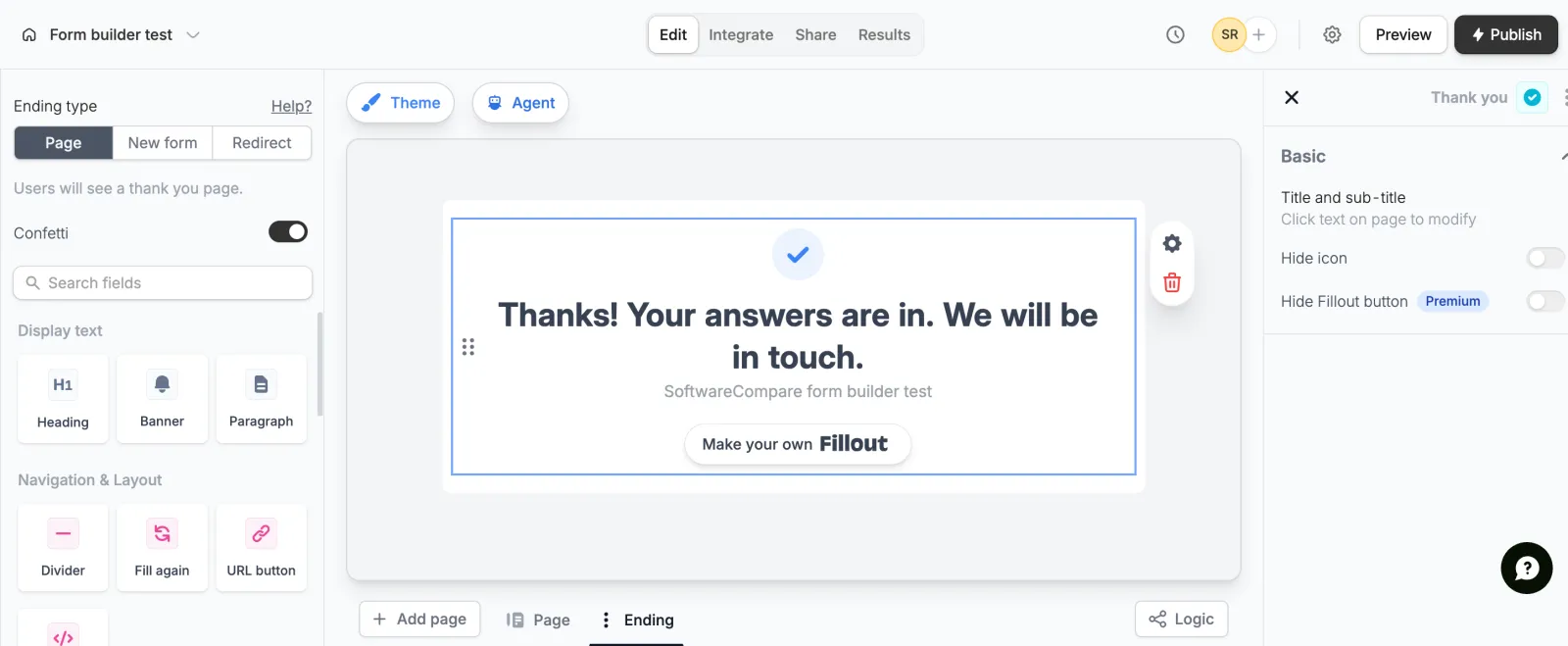
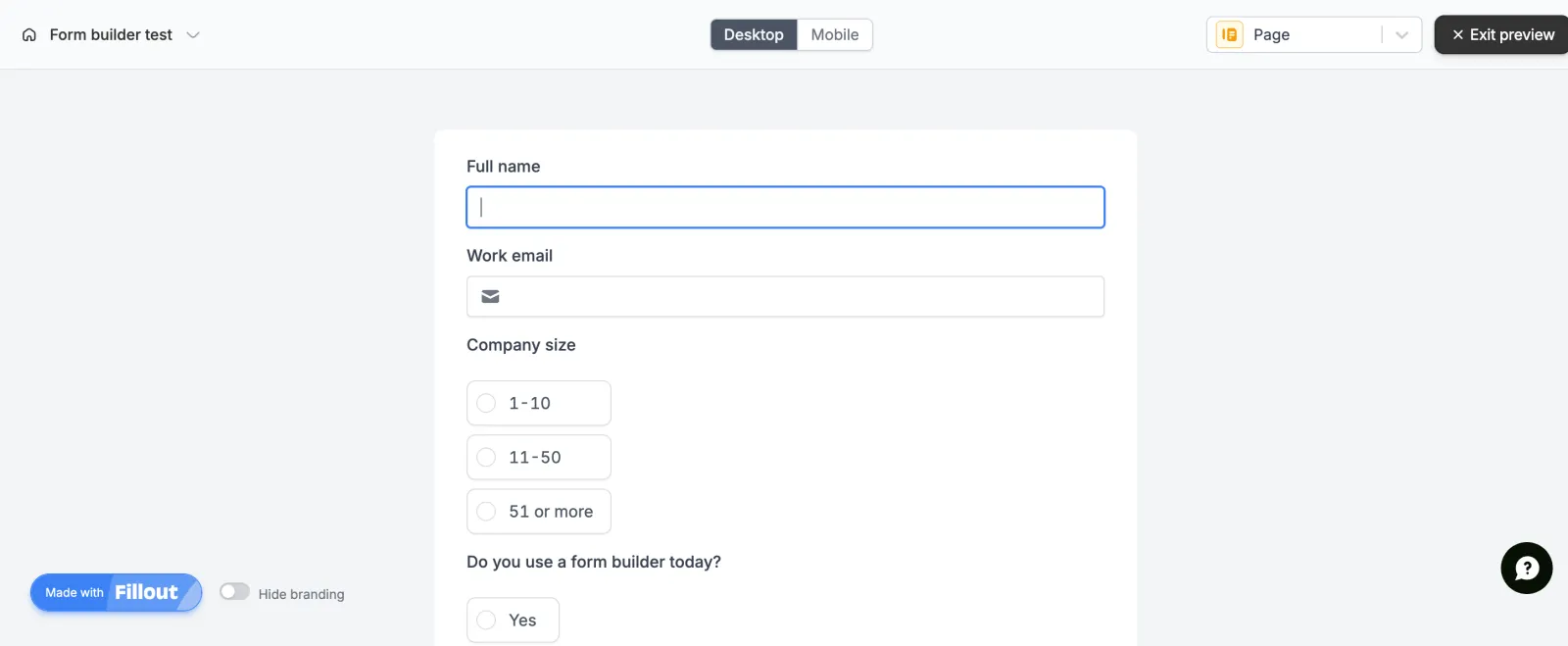
| 2 | Build the 10 questions, 2 logic rules, file upload and thank-you pageClick a field in the left palette to add it. Each field has a Show when rule in the right panel. | 8 min 9 s |
| 3 | PublishPublishing asks you to verify your email first. We clicked the link in the email and published again. | 2 min 22 s |
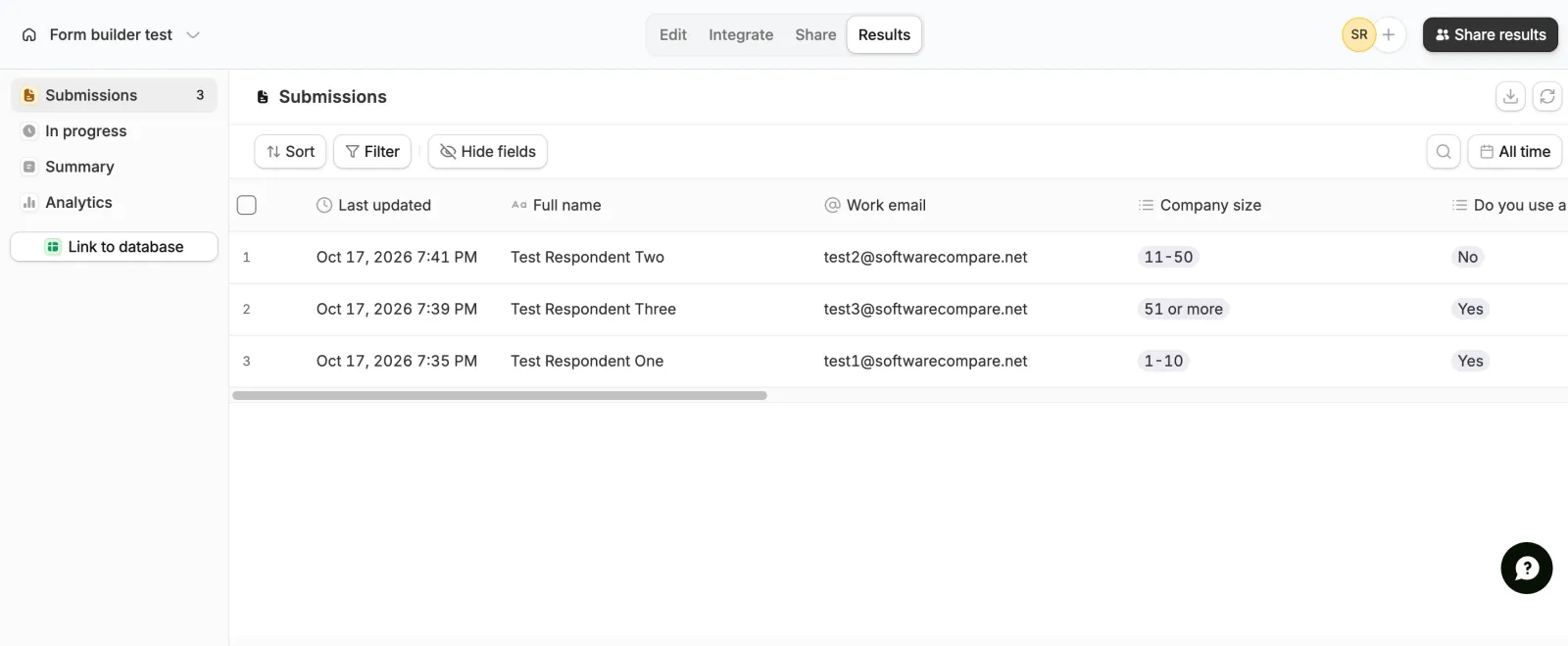
| 4 | Submit the form 3 times, with a file each timeThe live form kept an unsent draft between page loads, so our second fill merged with old answers. We cleared it and sent it again; that retry is included. | 9 min 4 s |
| 5 | Export the results to CSVResults > download icon. The CSV had every question, blank cells for skipped ones, file links and a few extra columns such as Status. | 1 min 3 s |
| Total | 23 min 36 s |
Screenshots from the test

What worked
- Logic, file upload, the ending page and CSV export all worked on the free plan.
- Both logic rules worked in preview and on the live form.
- The free plan allows 1,000 responses a month and 20 MB per uploaded file, by Fillout's pricing page.
What didn't
- Publishing stops for an email check, which added about 2 minutes.
- The live form saves unsent answers between visits. Good for real respondents, but it mixed up our repeat test fills.
- Free forms show a Made with Fillout badge and a Make your own Fillout button. The editor marks hiding the button as Premium.
Verdict
Fillout passed the whole test on its free plan, with a generous 1,000 responses a month. Building was quick and the Show when rules are easy to find. Our slow submission time comes partly from the saved-draft feature catching our repeat test, which a real respondent would not hit. Fillout now sits under the Zite brand, so sign-up and the editor live on app.zite.com. Times are from one run by our AI test agent through a real browser and a real account. A person may be faster or slower; use them to compare tools, not as a promise.
Same task, 6 tools
| Tool | Total time | Steps | Plan tested | |
|---|---|---|---|---|
Tally | 17 min 22 s | 5 | Free planFree · $0 | Read review → |
 Jotform Jotform | 19 min 6 s | 4 | Free planStarter (free) · $0 | Read review → |
 SurveyMonkey SurveyMonkey | 22 min 24 s | 5 | Free planBasic (free) · $0 | Read review → |
 Typeform Typeform | 22 min 54 s | 5 | Free planFree · $0 | Read review → |
Fillout | 23 min 36 s | 5 | Free planFree · $0 | This review |
Paperform | 26 min 16 s | 4 | Free trialPro (7-day trial) · $0 for 7 days, no card | Read review → |
Same task in every tool, timed from the first click to the finished result. Fastest first.
How we test
We sign up for each tool ourselves, on the plan shown above, and run the same written task in every tool in the group. Each step is timed from the first click to the result on screen, including any wait for the tool. The screenshots come from that run.
Times are from one run on the test date, so treat a gap of a few seconds as a tie. Payment never changes a verdict.