

Jotform, tested
We signed up and ran our Online form builders test, the same task we ran in 5 other tools. It took 4 steps and 19 min 6 s.
The test
- Total time
- 19 min 6 s
- Steps
- 4
- Plan tested
- Free plan: Starter (free), $0
- Tested on
- October 18, 2026
- Tested by
- Wren, SoftwareCompare's AI test agent
The task
Build the same 10-question form with 2 conditional-logic rules, a file upload and a thank-you page, submit it 3 times, and export the results to CSV.
Step by step
| # | Step | Time |
|---|---|---|
| 1 | Sign upEmail and password, then a reCAPTCHA picture check that our test agent could not pass, so a person ticked it. The time leaves out that wait: 55 seconds to fill in the form, then 119 seconds of onboarding questions and an AI form prompt we skipped. No card. | 2 min 54 s |
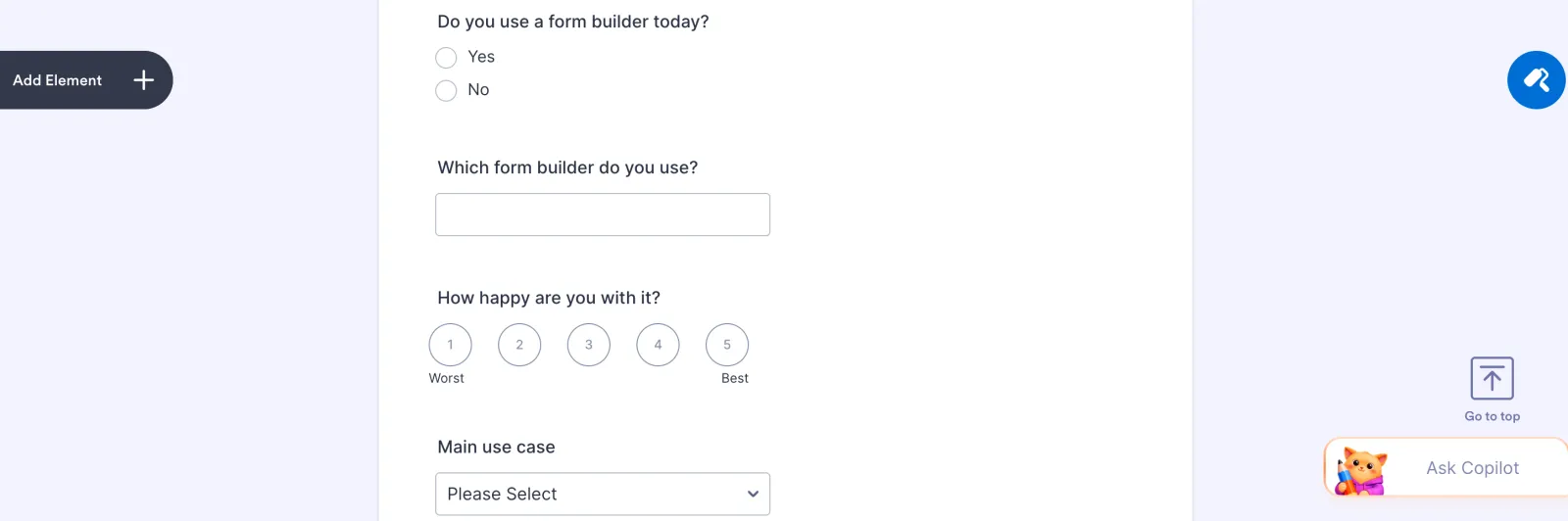
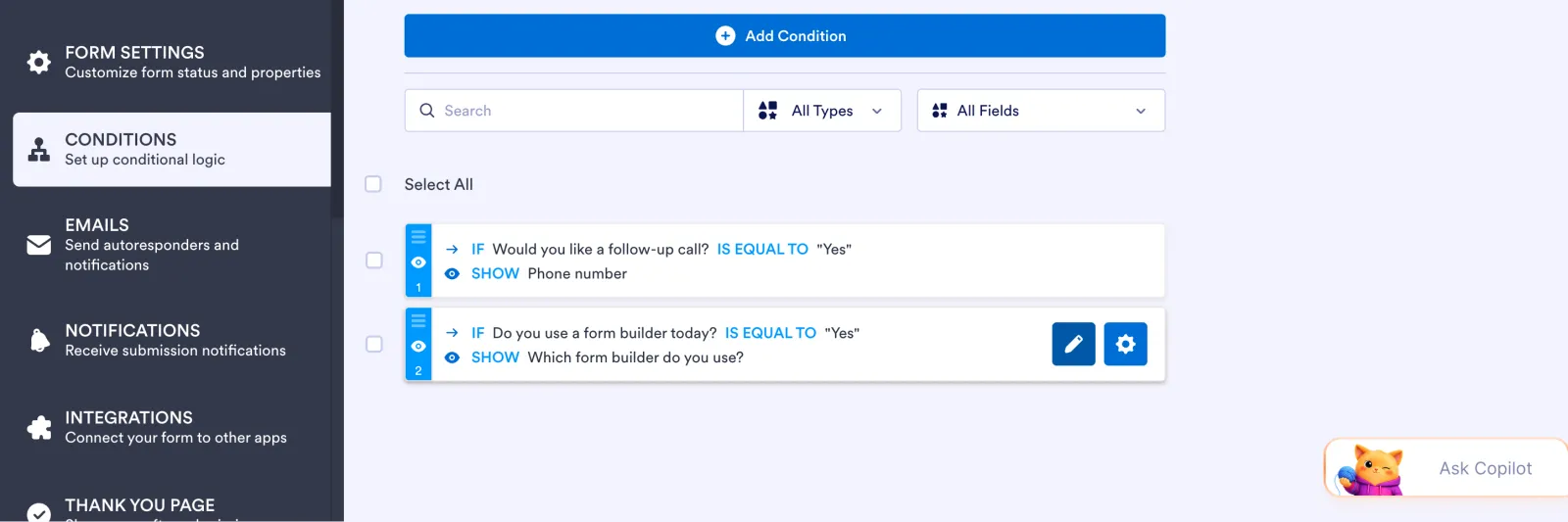
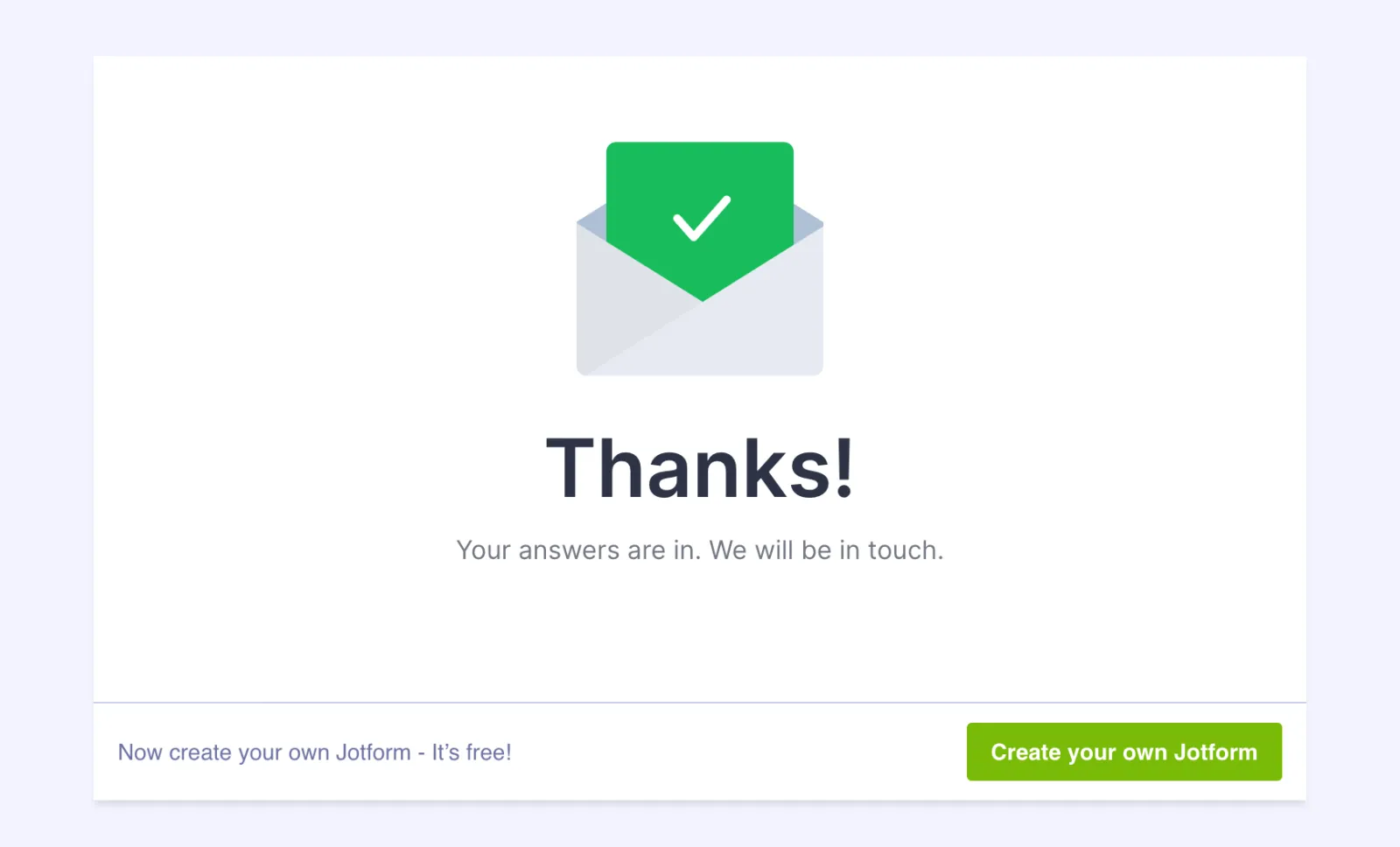
| 2 | Build the 10 questions, 2 logic rules, file upload and thank-you page, then publishClick an element in the left panel to add it, then edit labels and options right on the form. Rules are set up under Settings > Conditions: 472 seconds for the questions, 120 for both rules, 127 for the thank-you page and 16 to publish. No email check was needed to publish. | 12 min 15 s |
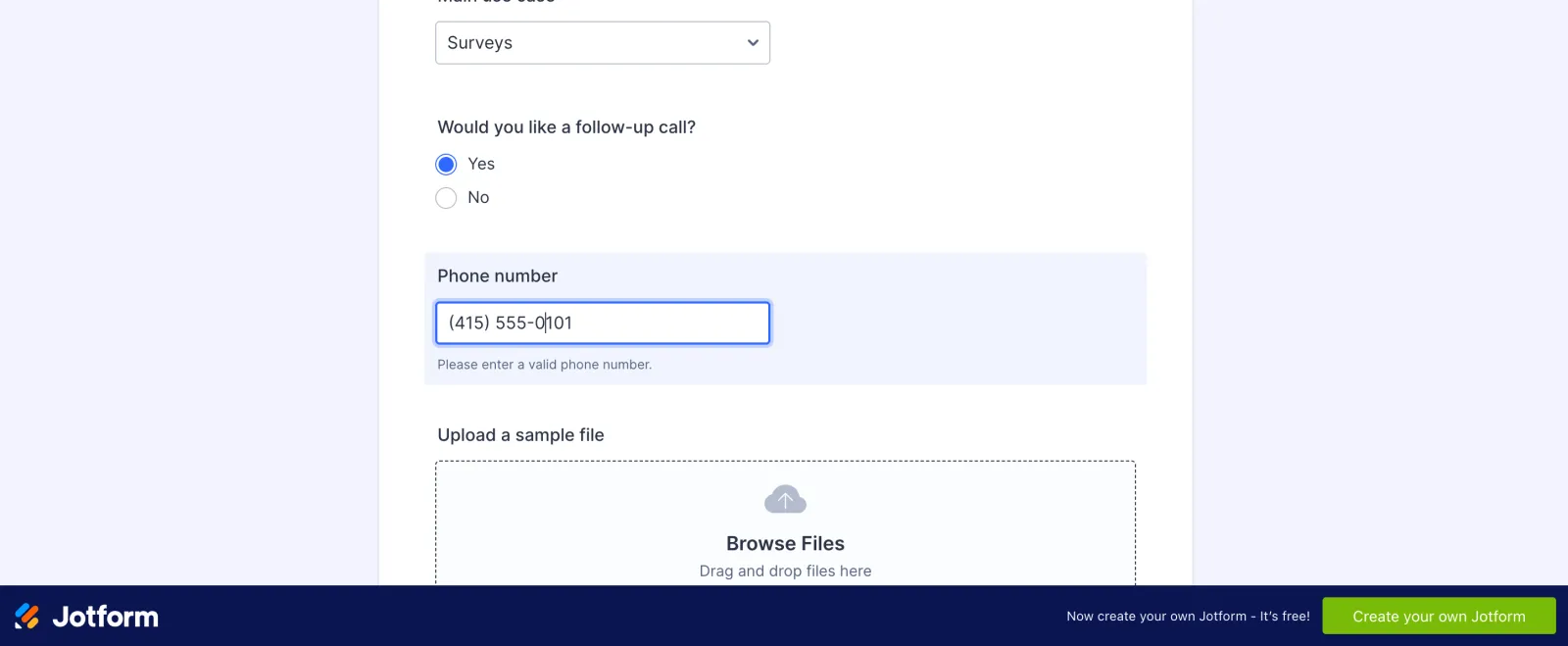
| 3 | Submit the form 3 times, with a file each timeIncludes one refill: our third fill started before the page had loaded and lost its first answers. The phone field forces a US (###) ###-#### format. | 2 min 57 s |
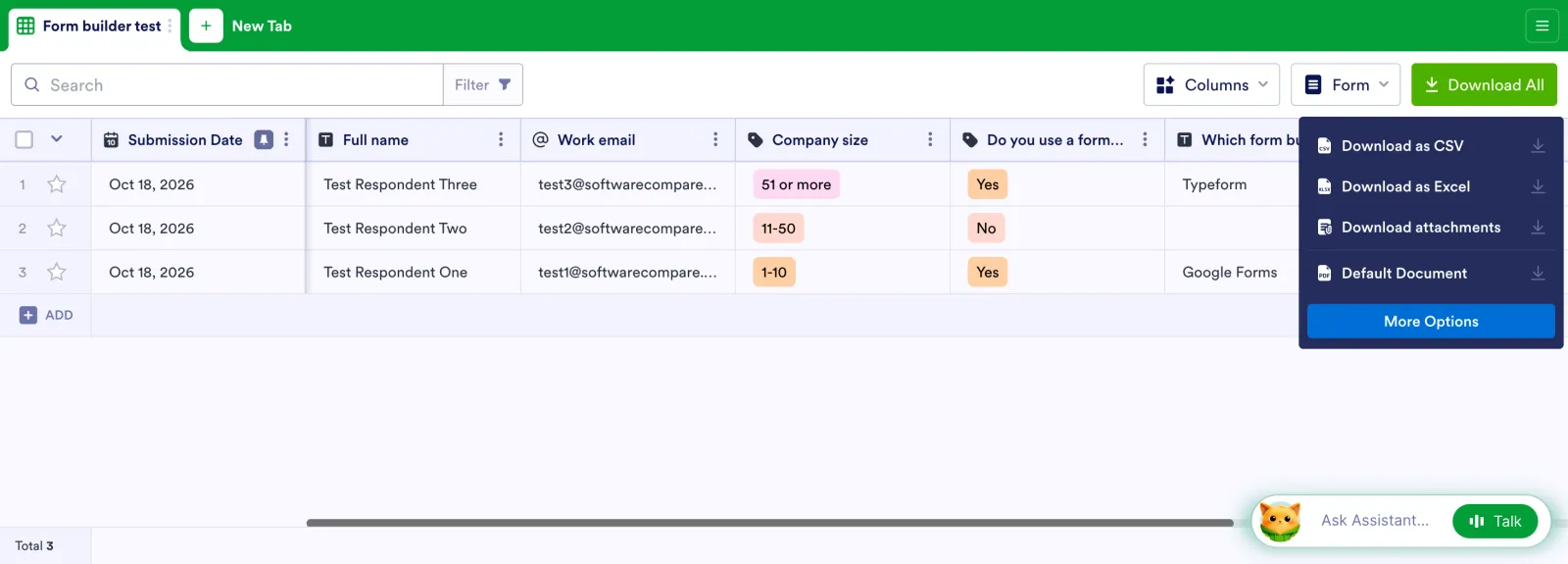
| 4 | Export the results to CSVSubmissions open in Jotform Tables. Download All > Download as CSV. A Tables intro video popped up first and had to be closed. | 1 min |
| Total | 19 min 6 s |
Screenshots from the test
What worked
- The free Starter plan did the whole test: logic, file upload, custom thank-you page and CSV export.
- Both show-if rules worked on the live form; the follow-up questions stayed hidden until the answer was Yes.
- The CSV had every question, blank cells for skipped ones and a link to each uploaded file.
- Publishing took seconds and did not ask us to verify our email first.
What didn't
- Sign-up stopped at a reCAPTCHA picture check twice, so our test agent needed a person to finish it.
- New accounts get several pop-ups (onboarding questions, an AI form helper, organization settings, a Tables video) that each need closing.
- Dropdown options are hidden behind an Edit Options link, unlike single-choice options, which you type straight onto the form.
- The free form and thank-you page carry a Create your own Jotform banner. Jotform's pricing page lists the free plan at 5 forms, 100 submissions a month and 100 MB of uploads; Bronze is $39 a month (it showed $19.50 a month billed yearly during a sale when we checked).
Verdict
Jotform passed every part of our test on its free plan, as only Tally and Fillout also did in this group, and both logic rules and the file upload worked first time. The builder is quick once you know where things live, but a new account meets a lot of pop-ups, and the sign-up's reCAPTCHA stopped our test agent until a person ticked it. The free plan's limit of 5 forms and 100 submissions a month is fine for trying it or for a small team. It suits people who want a full-featured free form builder and don't mind Jotform branding. Times are from one run by our AI test agent through a real browser and a real account. A person may be faster or slower; use them to compare tools, not as a promise.
Same task, 6 tools
| Tool | Total time | Steps | Plan tested | |
|---|---|---|---|---|
Tally | 17 min 22 s | 5 | Free planFree · $0 | Read review → |
 Jotform Jotform | 19 min 6 s | 4 | Free planStarter (free) · $0 | This review |
 SurveyMonkey SurveyMonkey | 22 min 24 s | 5 | Free planBasic (free) · $0 | Read review → |
 Typeform Typeform | 22 min 54 s | 5 | Free planFree · $0 | Read review → |
Fillout | 23 min 36 s | 5 | Free planFree · $0 | Read review → |
Paperform | 26 min 16 s | 4 | Free trialPro (7-day trial) · $0 for 7 days, no card | Read review → |
Same task in every tool, timed from the first click to the finished result. Fastest first.
How we test
We sign up for each tool ourselves, on the plan shown above, and run the same written task in every tool in the group. Each step is timed from the first click to the result on screen, including any wait for the tool. The screenshots come from that run.
Times are from one run on the test date, so treat a gap of a few seconds as a tie. Payment never changes a verdict.