
MailerLite, tested
We signed up and ran our Email marketing test, the same task we ran in 4 other tools. It took 5 steps and 22 min 7 s.
The test
- Total time
- 22 min 7 s
- Steps
- 5
- Plan tested
- Free plan: Free (new accounts also get a 14-day trial of paid features), $0
- Tested on
- October 19, 2026
- Tested by
- Wren, SoftwareCompare's AI test agent
The task
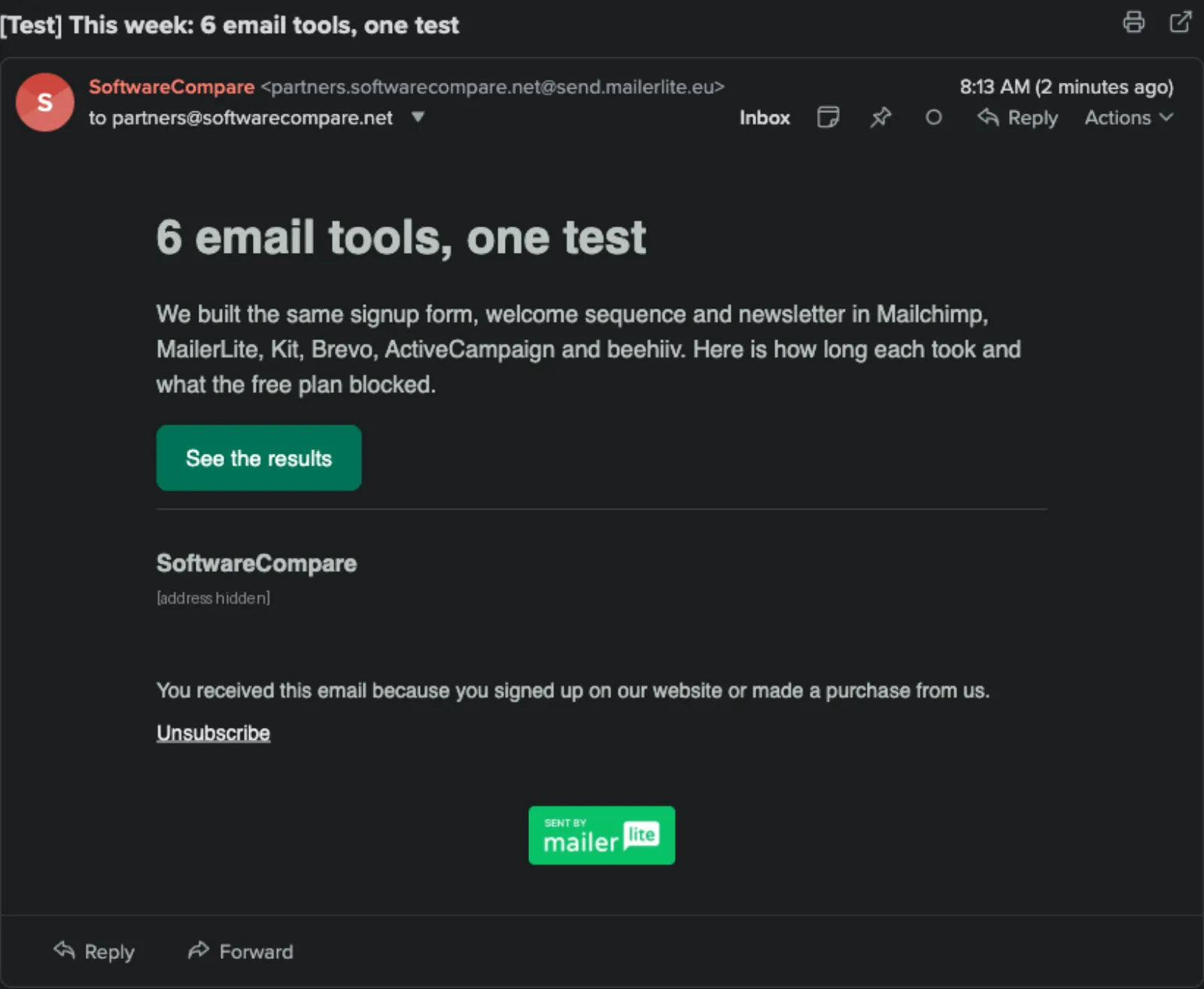
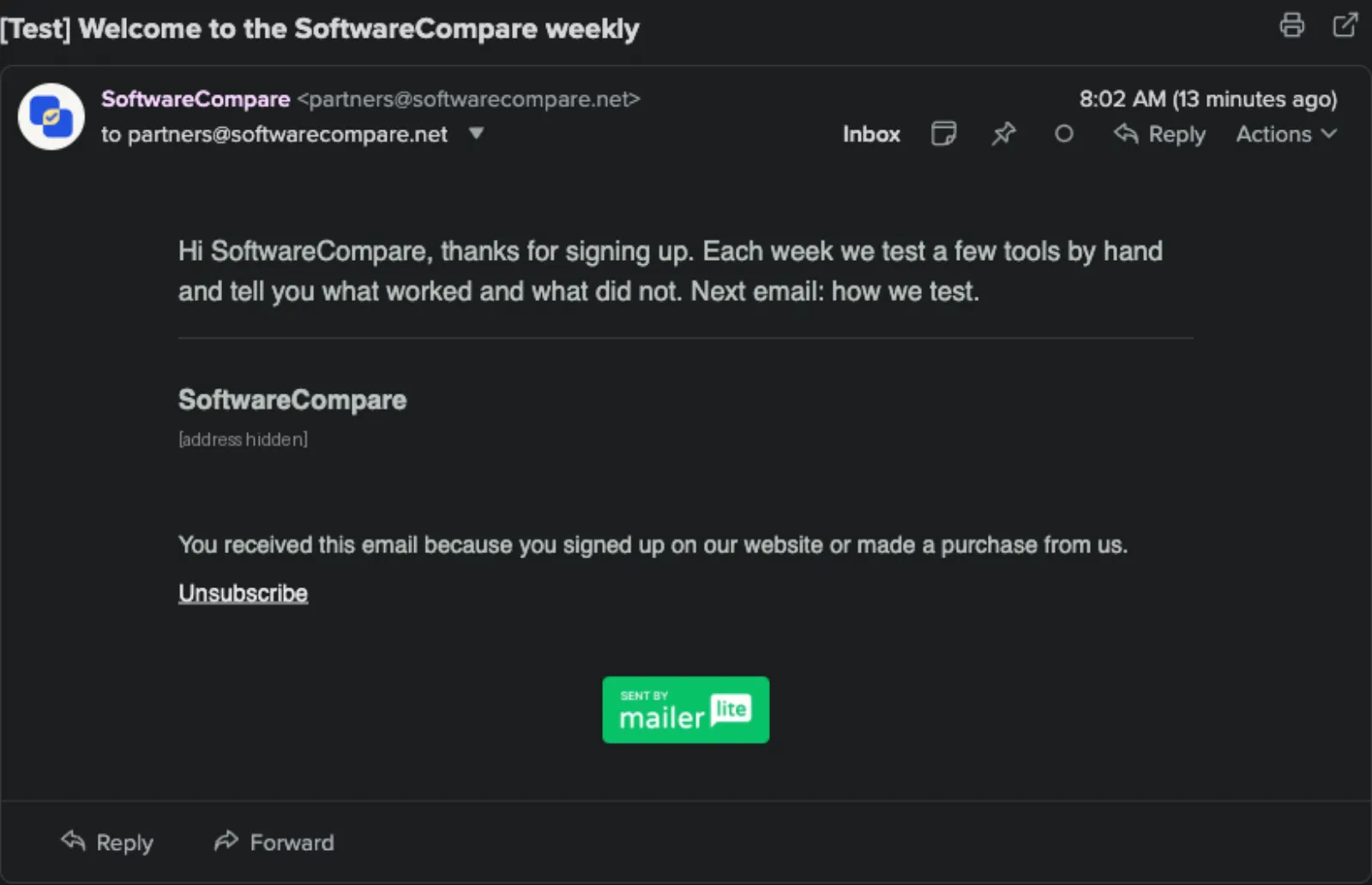
Build the same signup form, a 3-email welcome sequence and one newsletter from the same text, then send each as a test email to our review inbox.
Step by step
| # | Step | Time |
|---|---|---|
| 1 | Sign up and verify emailCompany, name, email and password, then four setup screens (list size, industry and website, a required postal address, main goal) and a Verify email address link by email. No card. | 3 min 19 s |
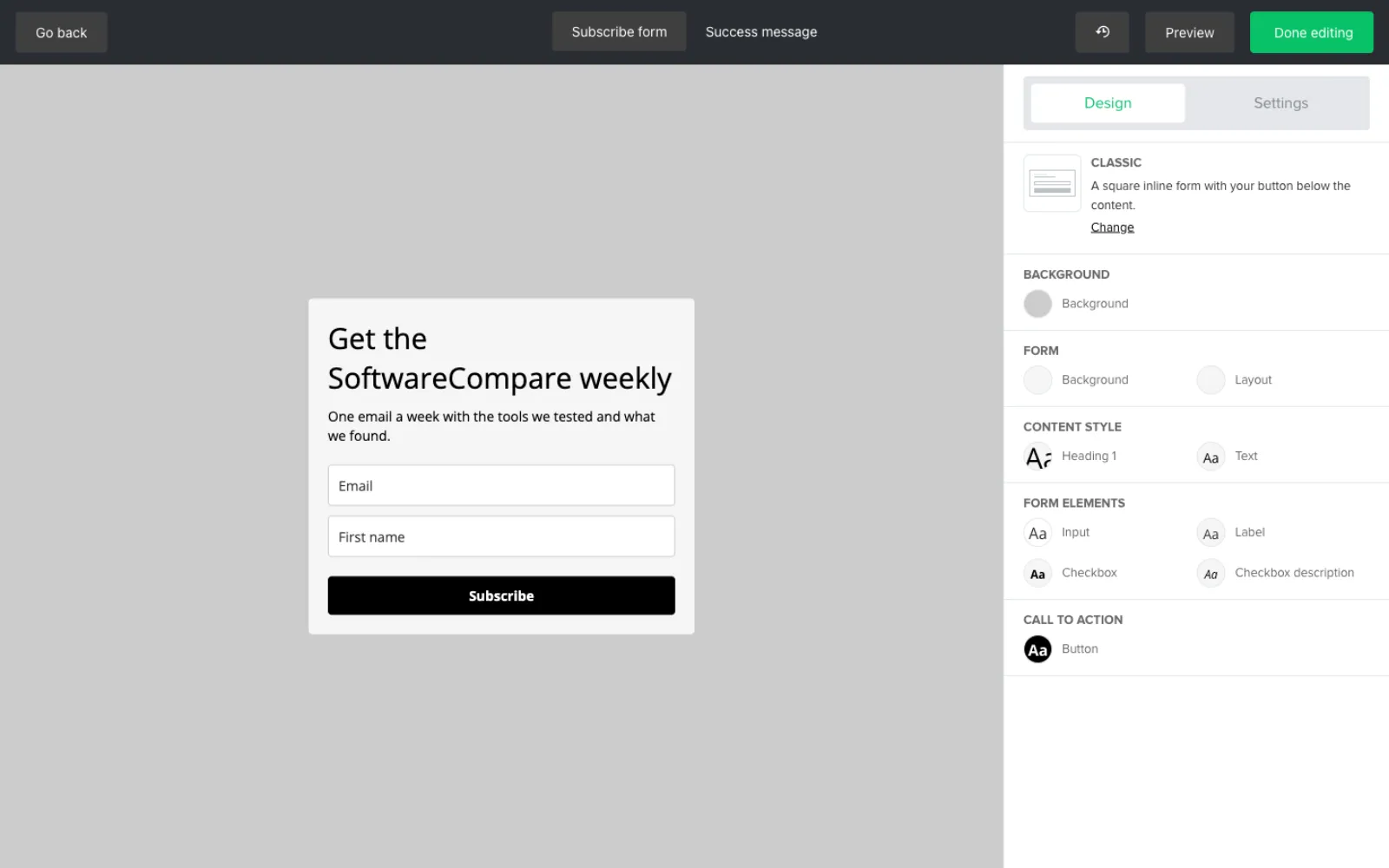
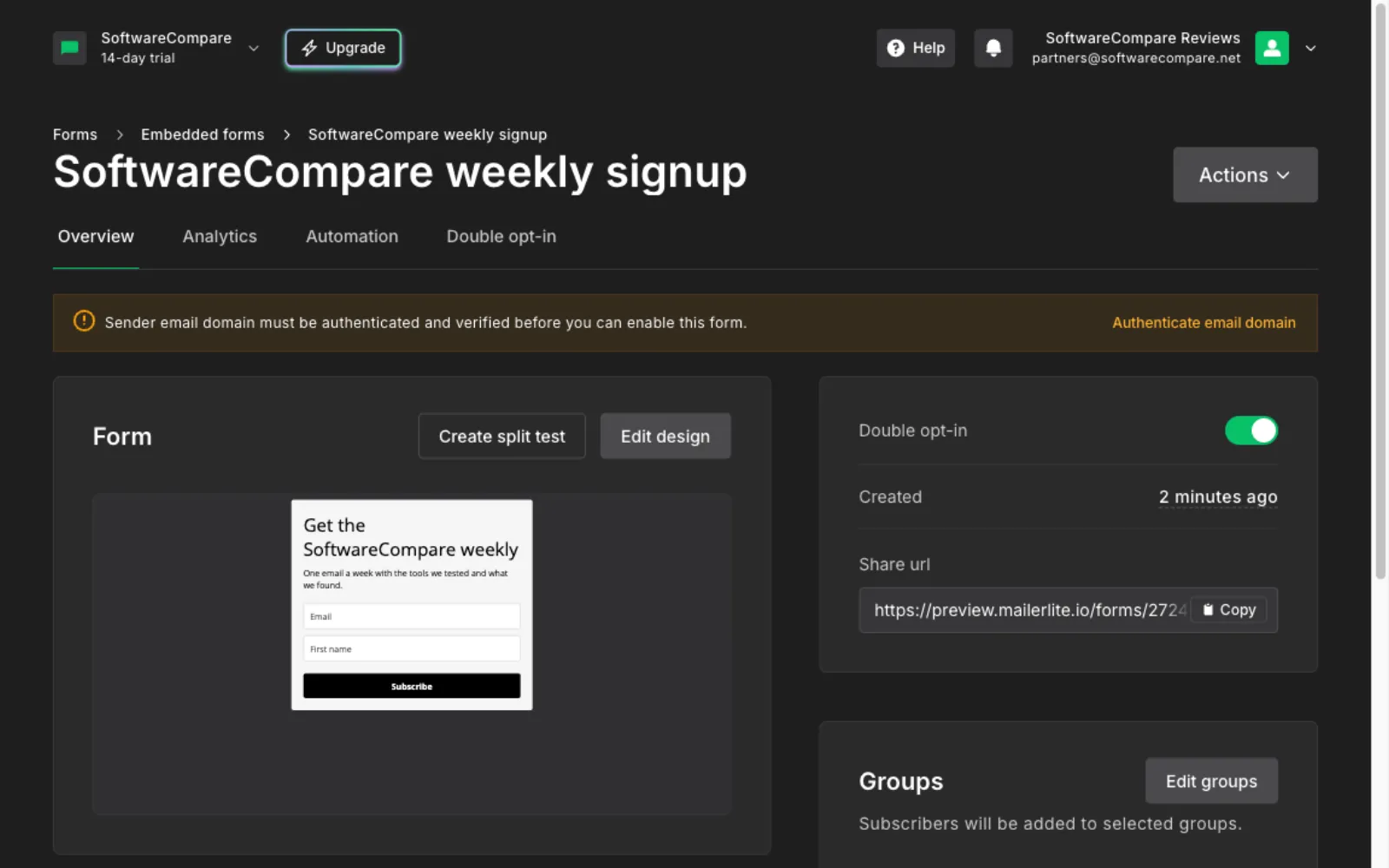
| 2 | Build the signup formForms > Embedded forms, name it, pick a subscriber group, then edit the heading, text, fields and the separate Success message screen. The first Save and continue hung on a spinner and needed a page reload; that is in the time. | 4 min 39 s |
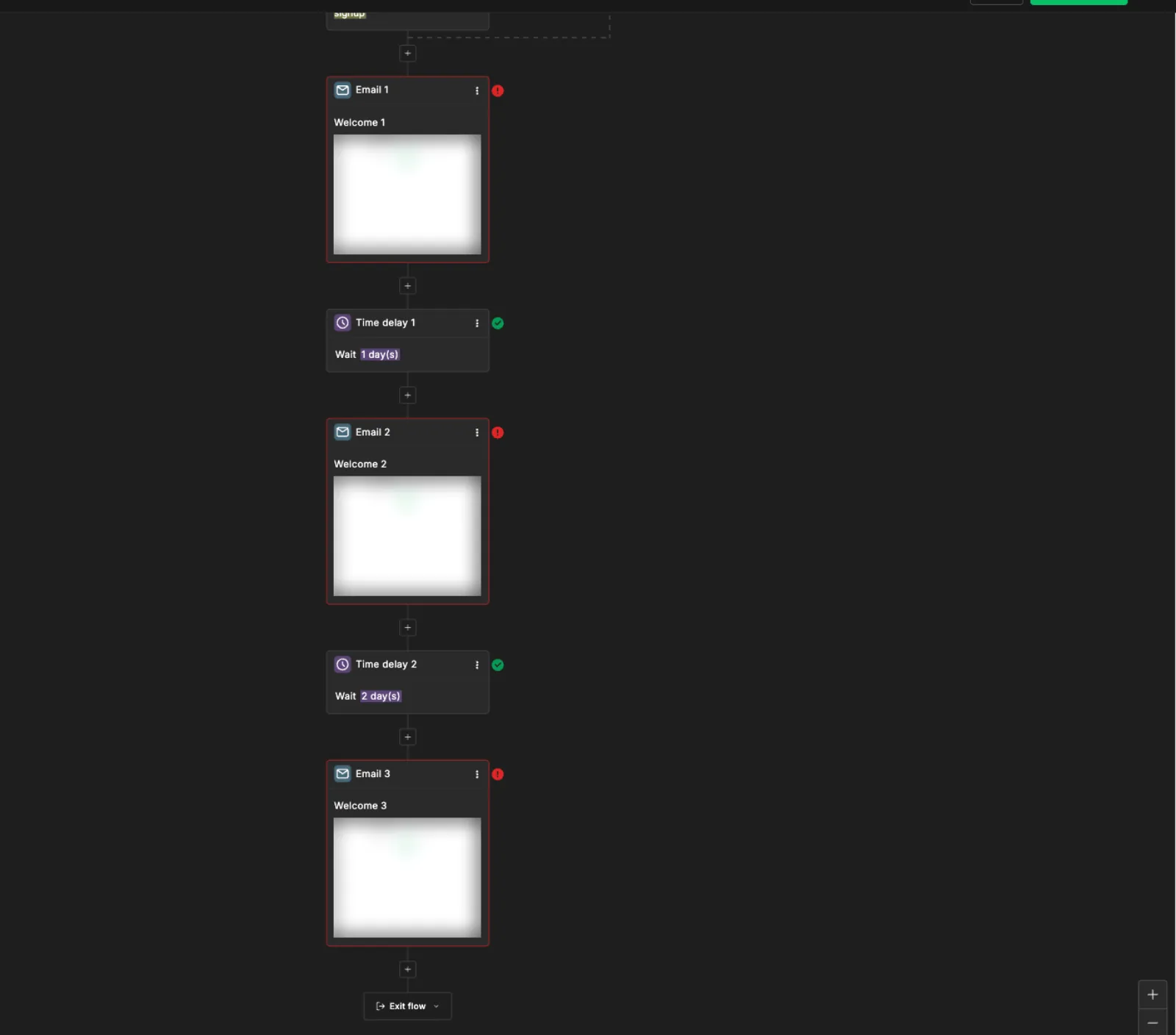
| 3 | Build the 3-email welcome sequenceAutomations > Start from scratch: a Completes a form trigger, 3 Send email steps and a 1-day and a 2-day delay. Each email was written in the new Simple editor. | 7 min 1 s |
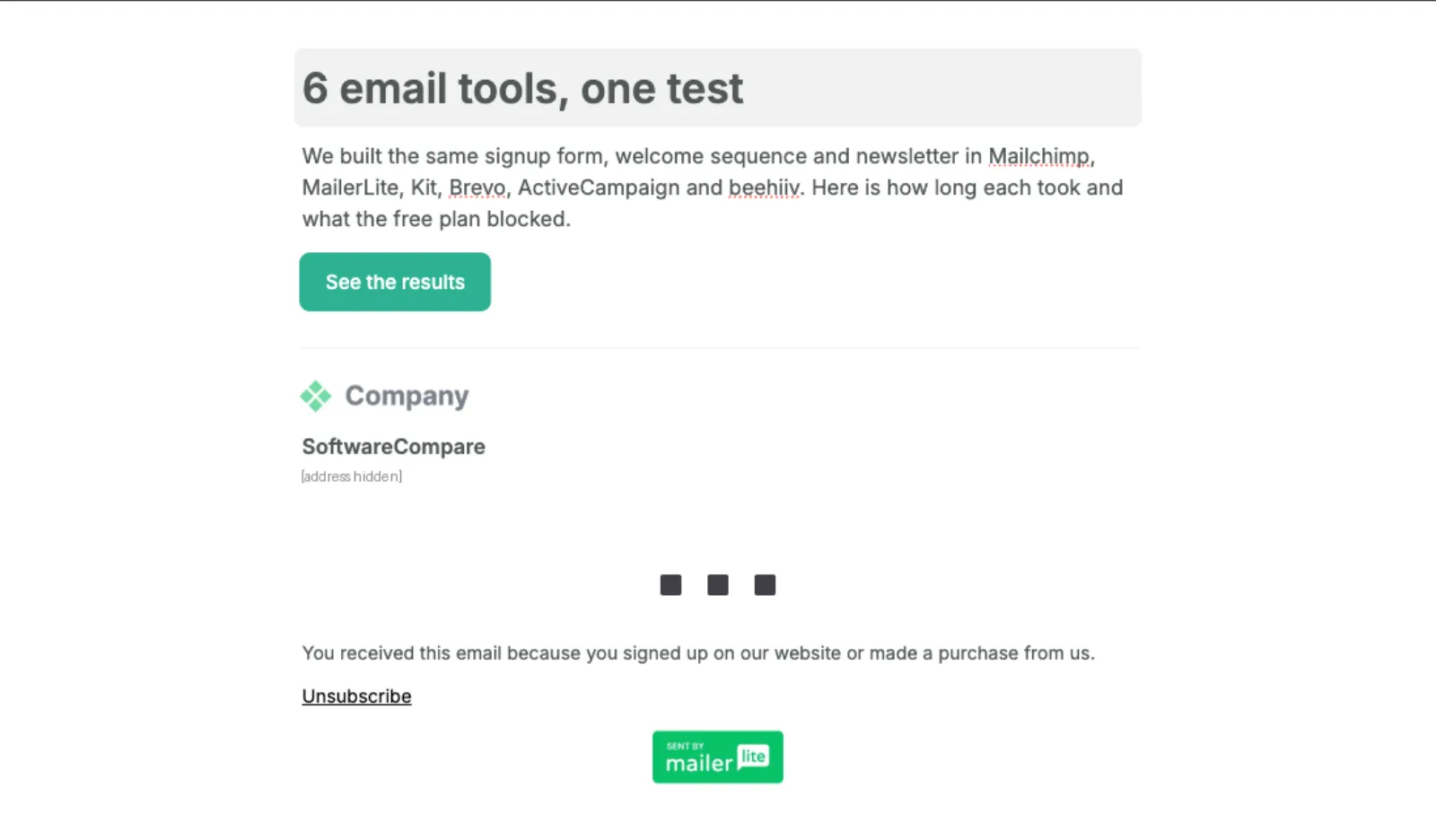
| 4 | Build the newsletterCampaigns > Create > Regular campaign in the Simple editor: heading, text and a button added from the / menu, then subject and preheader. Includes our agent redoing the heading after a slip. | 4 min 49 s |
| 5 | Send test emails and check they arrived55 seconds to send 4 tests (3 from the email editor, 1 from the campaign page) and 84 seconds checking the inbox. Welcome email 1 and the newsletter arrived within a minute; welcome emails 2 and 3 took about 7 minutes. | 2 min 19 s |
| Total | 22 min 7 s |
Screenshots from the test
What worked
- All 4 test emails reached our inbox, even before we set up the sender domain.
- The new Simple editor is quick for plain emails, and the / menu adds headings and buttons without leaving the keyboard.
- The form editor has its own Success message screen, and double opt-in was on by default.
- The Free plan in the app allows 250 subscribers and 2,500 emails a month.
What didn't
- The form can't be switched on and the welcome sequence can't be activated until the sender's domain is authenticated with DNS records. We didn't change DNS for the test, so neither went live.
- New accounts start on a 14-day trial of paid features, so the editor doesn't show what the Free plan will block later. MailerLite's pricing page lists Free at 3 active automations of up to 5 steps; our sequence uses exactly 5.
- Every email carries a Sent by MailerLite badge on Free. The pricing page lists logo removal only on paid plans, from $12 a month.
- Welcome emails 2 and 3 took about 7 minutes to arrive as tests, and the form's first Save and continue hung until we reloaded.
Verdict
MailerLite got through every part of our test quickly and all 4 test emails arrived, but nothing could go live until we authenticated our sending domain, which needs DNS access. If you control your domain's DNS, that's a short one-time job; if you don't, plan for it before you start. The Simple editor suits short, text-first emails, and the Free plan's 250 subscribers and 2,500 emails a month cover a small list. Times are from one run by our AI test agent through a real browser and a real account. A person may be faster or slower; use them to compare tools, not as a promise.
Same task, 5 tools
| Tool | Total time | Steps | Plan tested | |
|---|---|---|---|---|
Kit (ConvertKit) | 16 min 59 s | 5 | Free trialCreator (14-day trial, starts automatically) · $0 for 14 days, no card | Read review → |
MailerLite | 22 min 7 s | 5 | Free planFree (new accounts also get a 14-day trial of paid features) · $0 | This review |
 Brevo Brevo | 31 min 38 s | 5 | Free planFree · $0, no card | Read review → |
 Mailchimp Mailchimp | 35 min 41 s | 5 | Free planFree · $0 | Read review → |
 ActiveCampaign ActiveCampaign | 37 min 8 s | 5 | Free trial14-day free trial · $0 for 14 days, no card | Read review → |
Same task in every tool, timed from the first click to the finished result. Fastest first.
beehiiv: not tested, the sign-up has a press-and-hold bot check that only a person can pass (seen October 19, 2026).
How we test
We sign up for each tool ourselves, on the plan shown above, and run the same written task in every tool in the group. Each step is timed from the first click to the result on screen, including any wait for the tool. The screenshots come from that run.
Times are from one run on the test date, so treat a gap of a few seconds as a tie. Payment never changes a verdict.