

ActiveCampaign, tested
We signed up and ran our Email marketing test, the same task we ran in 4 other tools. It took 5 steps and 37 min 8 s.
The test
- Total time
- 37 min 8 s
- Steps
- 5
- Plan tested
- Free trial: 14-day free trial, $0 for 14 days, no card
- Tested on
- October 19, 2026
- Tested by
- Wren, SoftwareCompare's AI test agent
The task
Build the same signup form, a 3-email welcome sequence and one newsletter from the same text, then send each as a test email to our review inbox.
Step by step
| # | Step | Time |
|---|---|---|
| 1 | Sign up and verify emailEmail, then full name and a required phone number, three short survey screens, a 6-digit code sent by email, and a password. No card, and no SMS code was asked for. The account gets its own login address (yourname.activehosted.com). | 4 min 1 s |
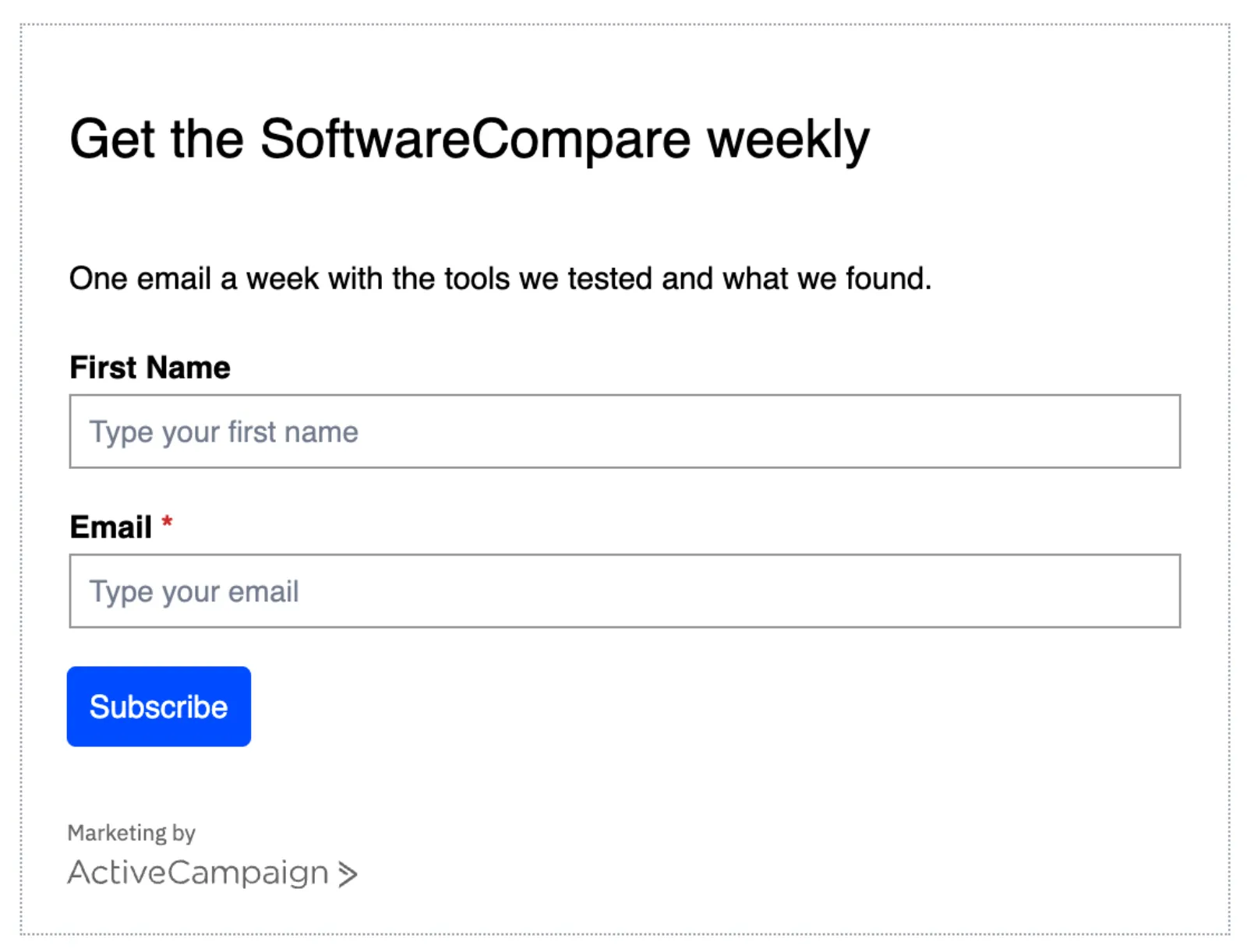
| 2 | Build the signup formWebsite > Forms > Start from scratch > Inline form that subscribes to a list. Header, text and button label are edited in a side panel. We removed the default Full Name field and dragged in First Name; fields can only be added by drag and drop. The thank-you message is under Options. | 4 min 43 s |
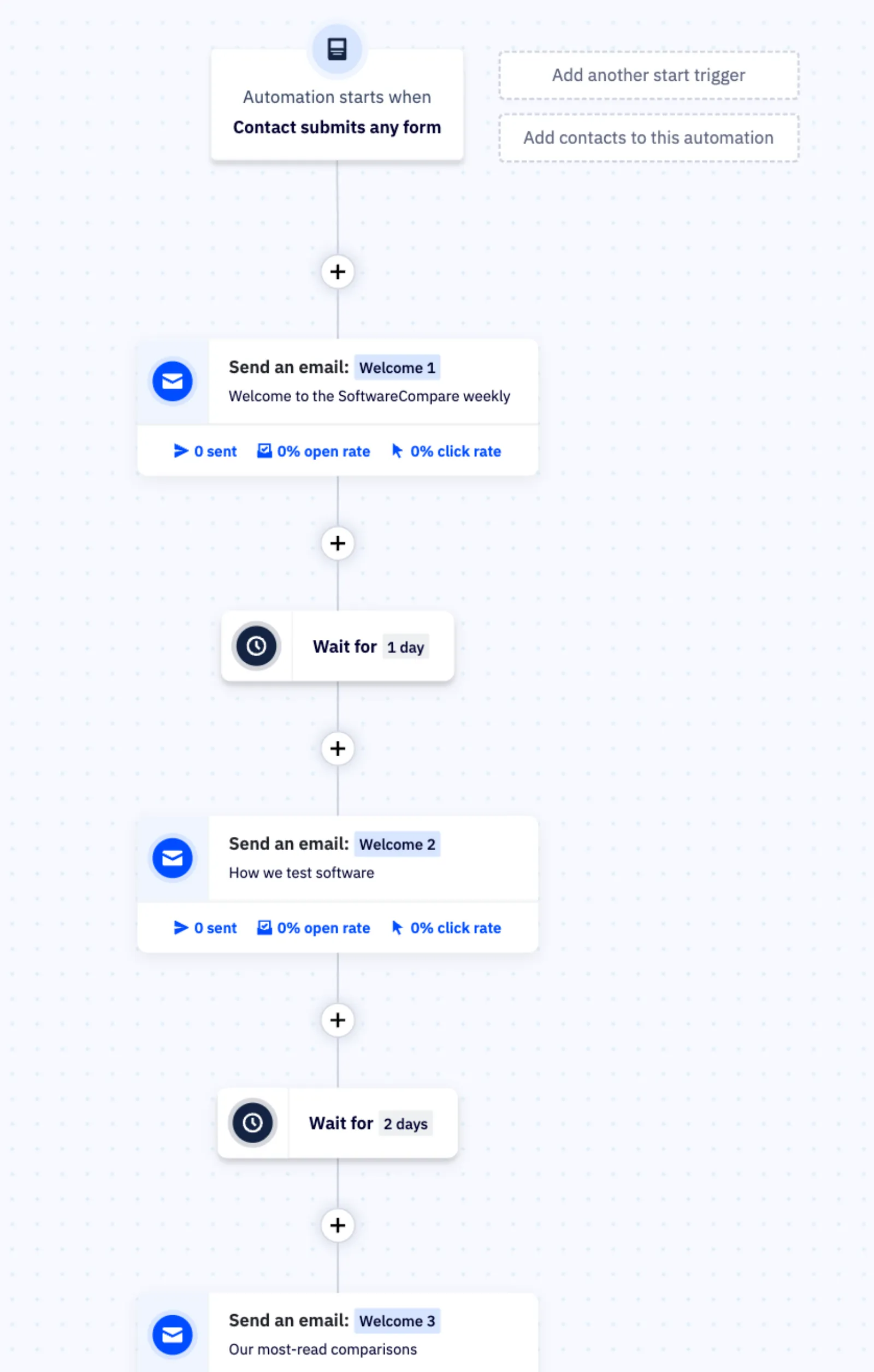
| 3 | Build the 3-email welcome sequenceAutomations > Start from scratch with a Submits a form trigger, then Send an email (Text only) three times with a 1-day and a 2-day wait. A postal address is required before the first email can be finished. Each email opens a separate editor, and the canvas re-centres after every change, which our automated browser handled slowly (one misclick also took us to account settings). A person would likely be much faster here. | 19 min 15 s |
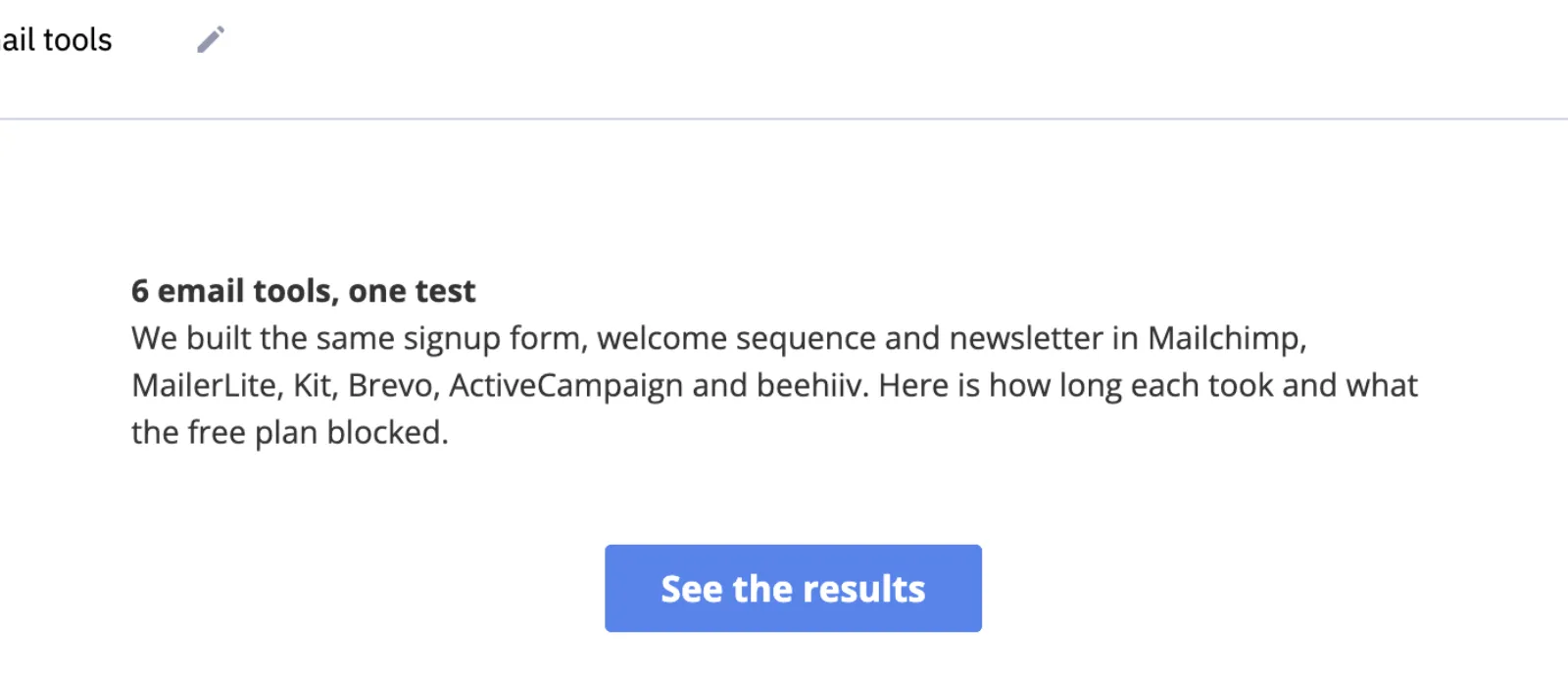
| 4 | Build the newsletterCampaigns > Start from scratch > Standard: subject and preheader, then the email designer with the Subscription Alert basic template. We replaced the heading and text, set the button text and link, and deleted the logo placeholder. | 6 min 9 s |
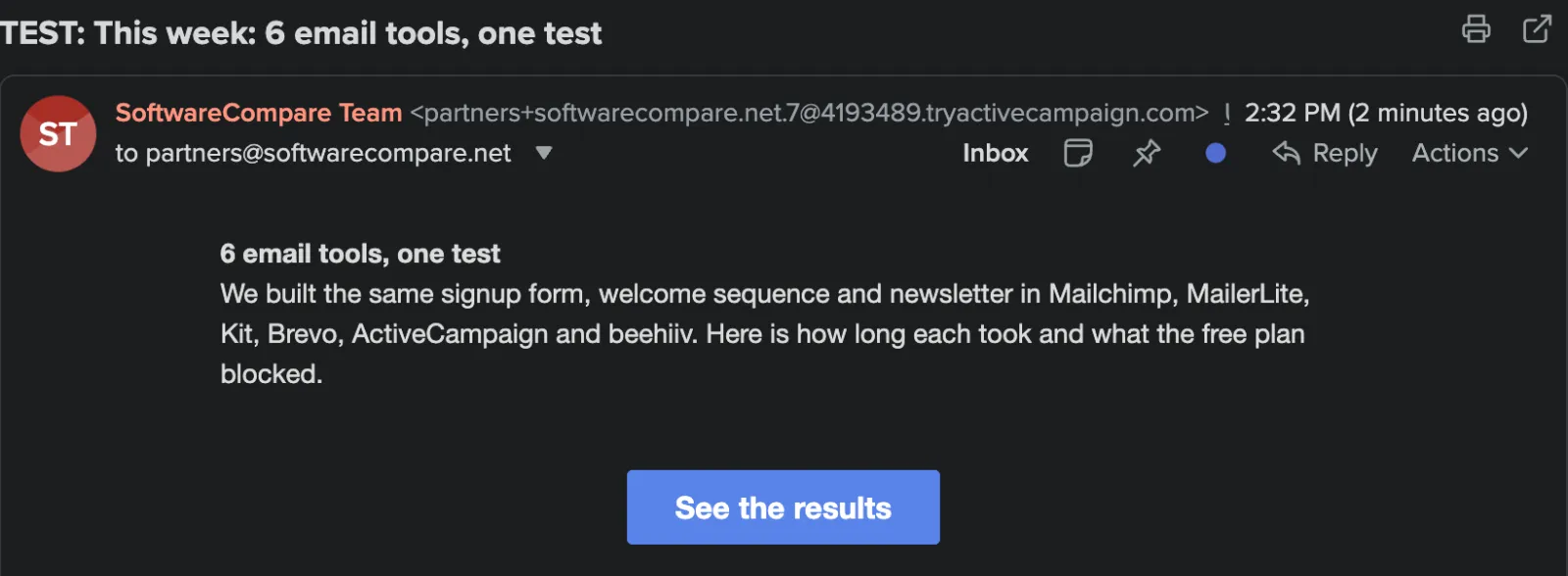
| 5 | Send test emails and check they arrivedTest and preview on each welcome email and Send test in the newsletter designer, then checking the inbox. All 4 arrived within about 2 minutes. | 3 min |
| Total | 37 min 8 s |
Screenshots from the test

What worked
- No card for the 14-day trial, and the whole test, automation included, worked during the trial.
- All 4 test emails arrived within about 2 minutes.
- The test dialog fills in your own address and runs a spam check before sending.
- Text-only emails are quick to write in the automation: one plain text box per email.
What didn't
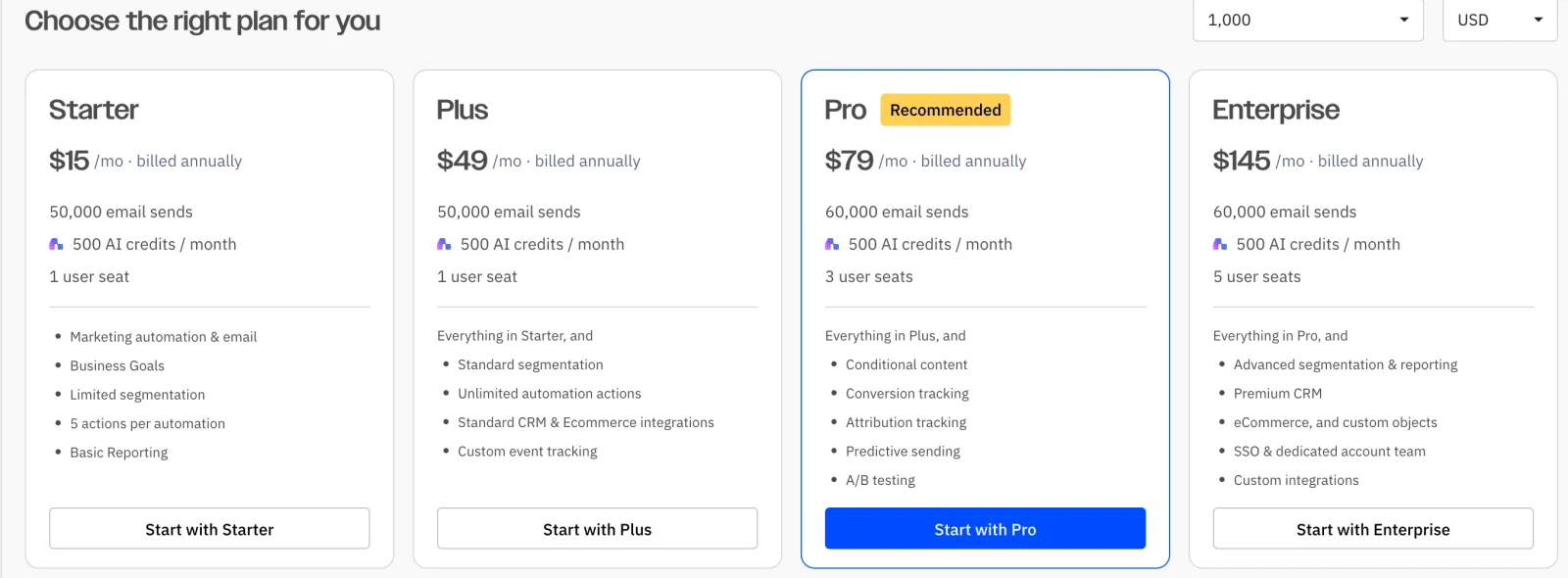
- There is no free plan. After 14 days you pay: the plans page in our account priced Starter at $15 a month, billed annually, for 1,000 contacts.
- Starter allows 5 actions per automation. Our sequence (3 emails and 2 waits) used exactly 5, so a longer sequence needs Plus at $49 a month.
- Sign-up requires a phone number, and the first email can't be finished until you add a postal address that goes in every footer.
- Without your own sending domain set up, emails come from a tryactivecampaign.com address.
- The automation canvas and the drag-and-drop form fields were the slowest parts of our test.
Verdict
ActiveCampaign got through our whole test on the trial, and all 4 test emails arrived within about 2 minutes. It is built around automations, and even the cheapest plan includes them, but it has no free plan, asks for a phone number and a postal address up front, and its Starter plan caps each automation at 5 actions. It suits small businesses ready to pay from day one for automated email, not people looking for a free newsletter tool. Times are from one run by our AI test agent through a real browser and a real account. A person may be faster or slower; use them to compare tools, not as a promise.
Same task, 5 tools
| Tool | Total time | Steps | Plan tested | |
|---|---|---|---|---|
Kit (ConvertKit) | 16 min 59 s | 5 | Free trialCreator (14-day trial, starts automatically) · $0 for 14 days, no card | Read review → |
MailerLite | 22 min 7 s | 5 | Free planFree (new accounts also get a 14-day trial of paid features) · $0 | Read review → |
 Brevo Brevo | 31 min 38 s | 5 | Free planFree · $0, no card | Read review → |
 Mailchimp Mailchimp | 35 min 41 s | 5 | Free planFree · $0 | Read review → |
 ActiveCampaign ActiveCampaign | 37 min 8 s | 5 | Free trial14-day free trial · $0 for 14 days, no card | This review |
Same task in every tool, timed from the first click to the finished result. Fastest first.
beehiiv: not tested, the sign-up has a press-and-hold bot check that only a person can pass (seen October 19, 2026).
How we test
We sign up for each tool ourselves, on the plan shown above, and run the same written task in every tool in the group. Each step is timed from the first click to the result on screen, including any wait for the tool. The screenshots come from that run.
Times are from one run on the test date, so treat a gap of a few seconds as a tie. Payment never changes a verdict.