
Pick Jira if: Software and IT teams that want boards tied to work tracking, and small teams fitting the 10-user free plan.
Skip it if: Teams that need guaranteed uptime or round-the-clock support should look at Premium, since lower plans lack an uptime SLA.
Quick overview
- Plans
- Free for up to 10 users; Standard $8.48/user/month; Premium $15.56/user/month (monthly list prices for small teams; per-user rate drops at higher user counts; annual billing available); Enterprise: custom pricing, annual only.
- G2 rating
- 4.3 / 5.0
- Comparisons
- Featured in 4 comparisons
Is Jira right for you?
- Best for
- Software and IT teams that want boards tied to work tracking, and small teams fitting the 10-user free plan. source ↗
- Not for
- Teams that need guaranteed uptime or round-the-clock support should look at Premium, since lower plans lack an uptime SLA. source ↗
From Jira's own pricing and help pages, checked Nov 9, 2026.
Key features
- Customizable workflows, issue types, fields, and screens
- Agile boards (Scrum and Kanban) with backlog, sprints, and swimlanes
- Roadmaps and planning (timeline views, dependencies, releases)
- Automation rules (no/low-code) for triage, notifications, and transitions
- Reporting and dashboards (burndown, velocity, cumulative flow, custom gadgets)
Pros
- Highly configurable workflows and permissions for complex processes
- Strong agile tooling and reporting for Scrum/Kanban teams
- Large ecosystem of integrations and Marketplace apps
- Scales from small teams to enterprise with advanced admin controls
Cons
- Can feel complex to set up and administer without experienced admins
- Costs can rise with Premium/Enterprise tiers and Marketplace add-ons
- Performance and usability can vary depending on instance size and configuration
Jira in our comparisons
ClickUp alternatives
Stay with ClickUp if you want tasks, docs and reporting in one place. Pick Trello if your small team needs simple boards it can start using today.


 +1
 Sarah ChenUpdated September 2026
Best Kanban Software
Businessmap (formerly Kanbanize) is the strongest tool for teams that want to practice Kanban, with enforceable WIP limits, tracked blockers and full flow analytics. If budget or team size rules it out, KanbanFlow, Jira and Trello cover most needs for less.

 +2Sarah ChenUpdated October 2026
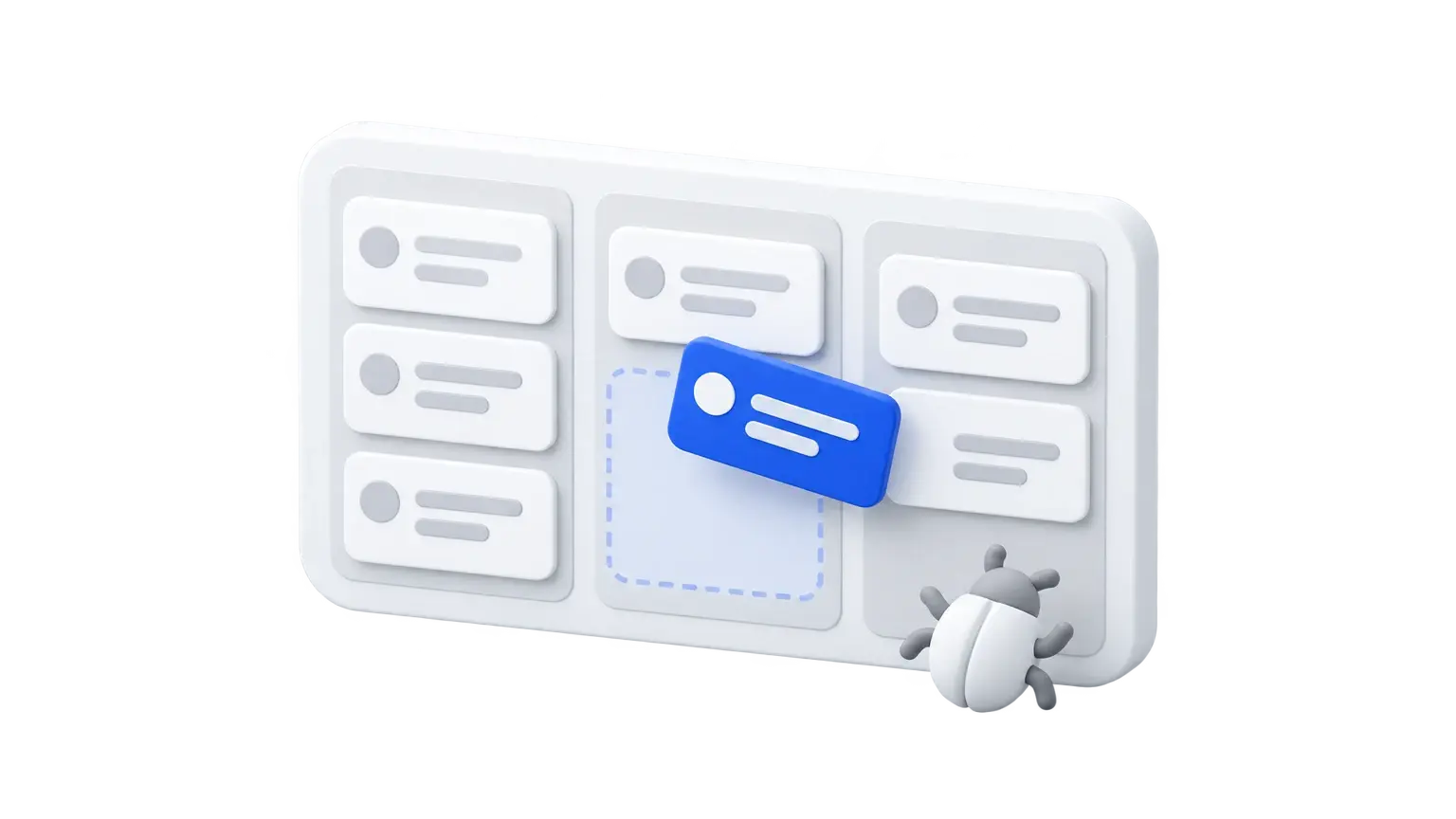
Jira alternatives
Stay with Jira if you run many engineering teams and need configurable workflows and cross-team planning. Smaller teams should look at Shortcut or Linear for simpler tracking, or YouTrack for the lowest paid price.


 +2Sarah ChenUpdated October 2026
Trello alternatives
Stay with Trello if a simple Kanban board is enough, since Standard is $5 per user per month billed annually. Move to Asana if you need timelines, dashboards and unlimited automations.
 +2Sarah ChenUpdated October 2026