
HubSpot Sales Hub
Starter
$7.00 × 10 seats$70.00
× 12 months$840.00
Per year
$7.00 per person / mo
$840
The $7 rate is a limited-time offer
Visit HubSpot Sales Hub ↗Short answer: HubSpot Sales Hub suits teams that want a free CRM to start and a path to sales automation as they grow. Freshsales suits small sales teams that want a low-cost CRM with chat, email and phone built in.
Compare with for .
It has a free plan you can start on today.
How we work out the matchEntry plan for 10 people, billed yearly where offered, in US dollars (USD). Prices checked Nov 2026.
The $7 rate is a limited-time offer
Visit HubSpot Sales Hub ↗
SMBs and mid-market teams that want an easy-to-adopt CRM tightly integrated with marketing, service, and content tools, plus strong sales engagement (sequences, meetings, tracking) and scalable automation as they grow.
SMBs and mid-market sales teams that want an easy-to-adopt CRM with built-in calling/email, strong pipeline management, and automation without heavy admin overhead.
HubSpot Sales HubFrom HubSpot Sales Hub's own pricing and help pages, checked Nov 4, 2026.
FreshsalesFrom Freshsales's own pricing and help pages, checked Nov 4, 2026.
| HubSpot Sales Hub | Freshsales | |
|---|---|---|
| Pricing | Free; Starter from $7/seat/month (billed annually) or $10 monthly | $9/user/month (billed annually) |
| Price checked | Nov 9, 2026 | Nov 4, 2026 |
| G2 Rating | 4.4 (14,364 reviews) | 4.5 (1,238 reviews) |
| Best For | Teams that want a free CRM to start and a path to sales automation as they grow. | Small sales teams that want a low-cost CRM with chat, email and phone built in. |
| Not for | Small teams that need forecasting on a tight budget, since it starts on Professional at $90/seat plus a $1,500 onboarding fee. | Teams that need sales sequences or forecasting cheaply, since those start on Pro ($39) and Enterprise ($59), billed annually. |
HubSpot Sales HubPros
Cons
FreshsalesPros
Cons
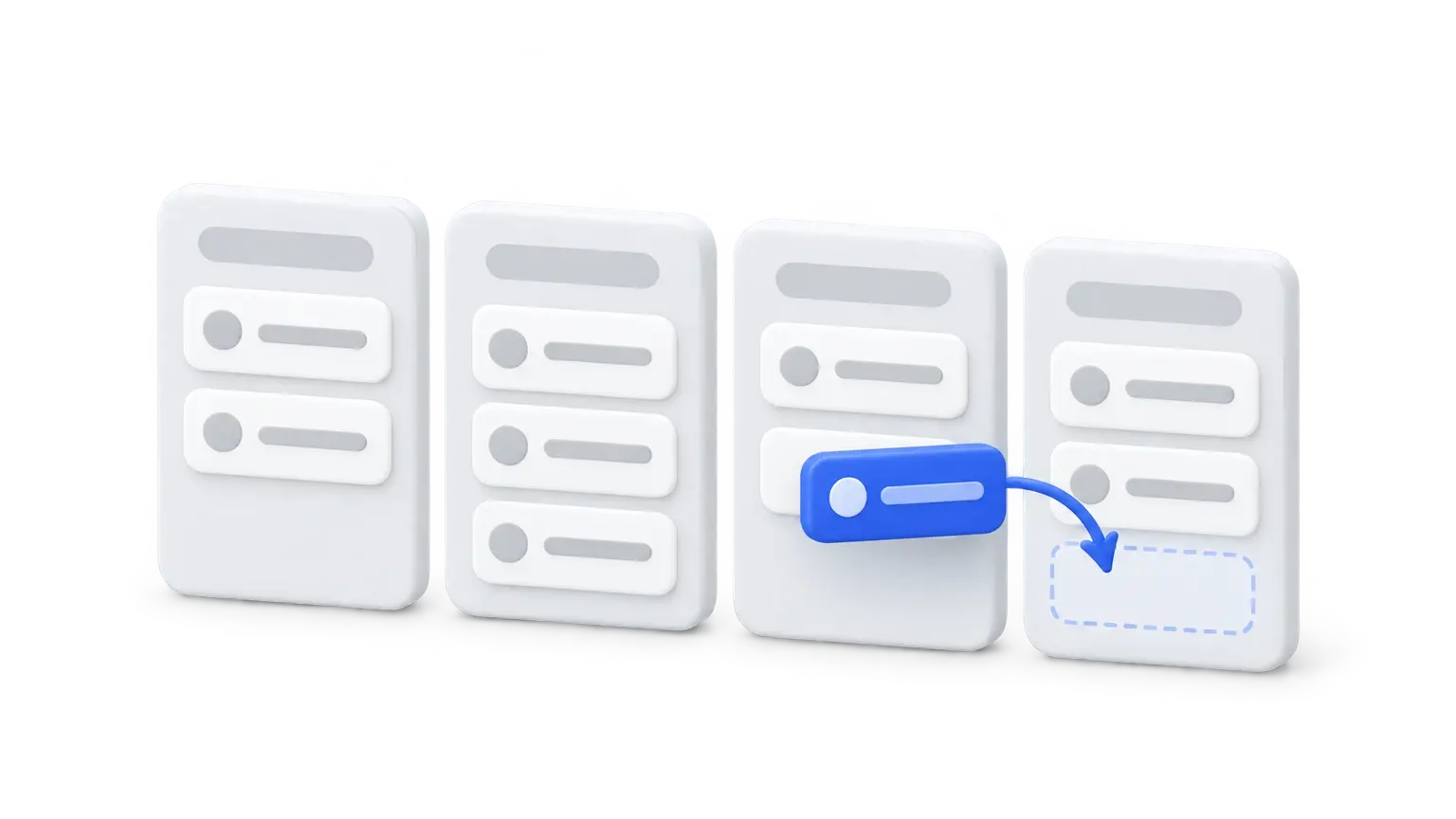
Choose HubSpot Sales Hub if you want an easy, all-in-one CRM for a growing team. Stay with Pipedrive if you just want a simple pipeline your reps will actually use.


 +2
 Marcus WilliamsUpdated October 2026
HubSpot Sales Hub is the best CRM for most small businesses: the free HubSpot CRM covers 2 users, and Starter adds calling and basic workflows cheaply. Budget for Professional ($90/seat/month plus $1,500 onboarding) if you need sequences.
 +2Marcus WilliamsUpdated October 2026
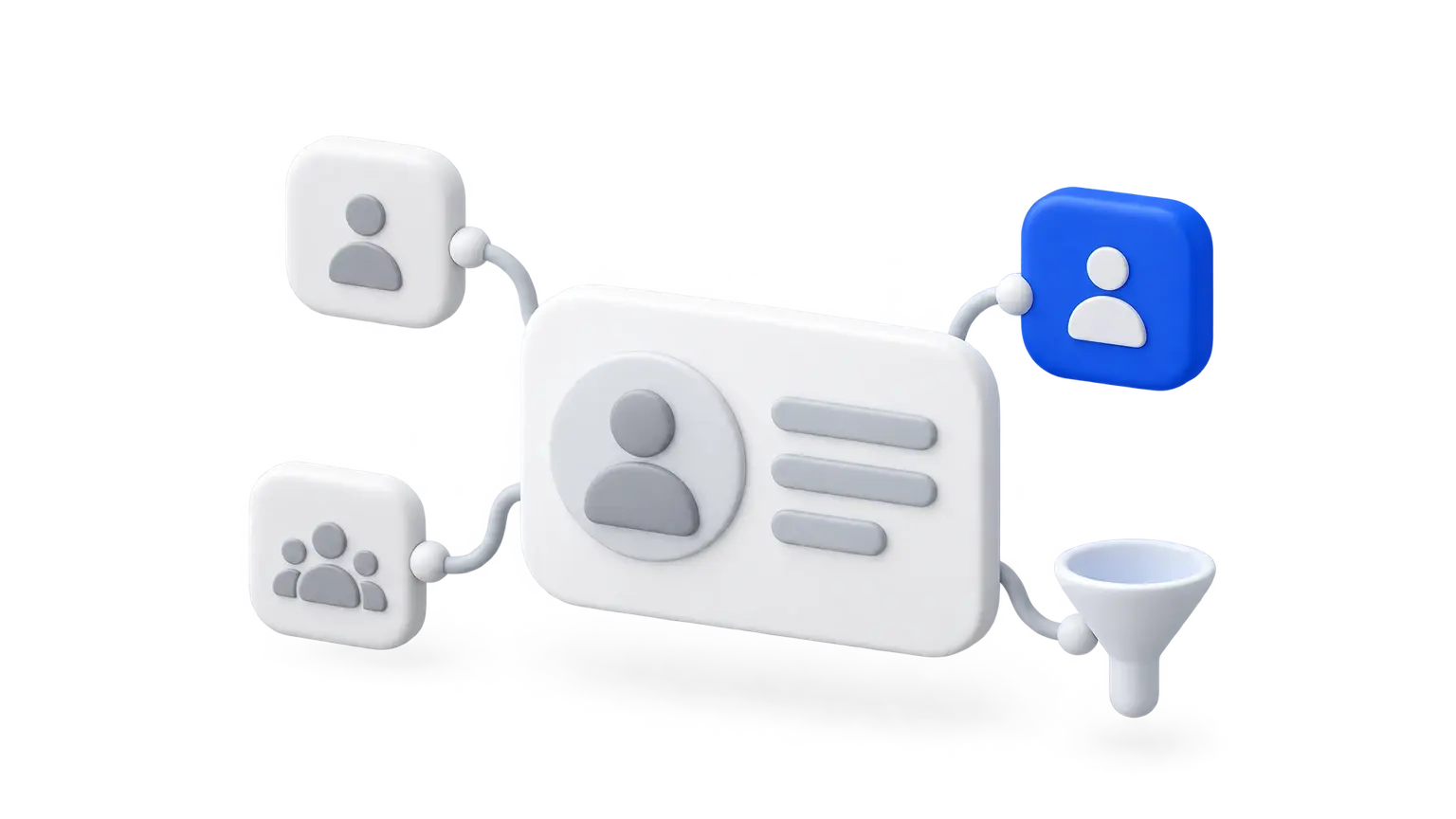
Stay with HubSpot if you want marketing, sales and service in one platform and can budget for Professional later. For a sales-only CRM, Zoho CRM, Pipedrive and Freshsales get you sequences or forecasting for much less.
+2Marcus WilliamsUpdated October 2026 HubSpot Sales Hub vs Productive
 HubSpot Sales Hub vs monday CRM